Role-Based AccessControl & Team Permissions
Keep your company data safe. Give owners, managers, employees, and clients the right access to hours, pay rates, and screenshots without showing private numbers to the wrong people.

The Right Access for Every Person on Your Team
Protect private salaries, department privacy, and client work reports with ready-made permission levels.
Owner & Admin Global Controls
Manage company billing, invite or remove team members, and set overall work rules. Only leadership controls the big switches with employee monitoring.
Manager Department Silos
Department leads only review hours, timesheets, and screenshots for their own direct reports. Zero cross-team peek-ins via employee timesheet software.
Employee Personal Activity Vault
Team members track time and check personal stats. They cannot see coworkers’ pay rates, financial totals, or private screens in employee time tracking.
Client Guest Access Portal
Give clients a clean view of hours worked on their specific project. They see proof of work without your private company costs in time tracking and invoicing software.
Direct Payroll & Wage Authorization
Restrict salary adjustments, hourly wage settings, and final payslip generation strictly to authorized financial controllers in automated payroll.
Encrypted Role Audit Log
Maintain an immutable, timestamped security audit log of every permission change and user elevation inside team cloud storage.
5 Built-In Roles with Zero Setup Needed
No complex rules to build. Pick a role and assign it in one click.
Full company access, subscription billing, and bank settings.
Invites members, sets work policies, and creates projects.
Reviews hours, screenshots, and approves timesheets for their department.
Tracks time, starts tasks, and views their own personal stats only.
Reviews approved project hours and work proofs for their projects only.
You do not need to spend weeks setting up complex IT permission rules. Tracknesty gives you 5 battle-tested roles ready from day one, so you can onboard teams in seconds. For real-time review of team progress without compromising role privacy, TrackNesty's live screen monitoring software provides supervisors with secure live feeds restricted strictly to their assigned team members.
Keep Pay Rates & Screenshots Safe and Private
Hourly pay rates and client contract prices are hidden from regular workers. Only the company owner and authorized admins can see financial data.
- Salary Confidentiality: Employees never see what their peers or managers make.
- Client Billing Margins: Billing rates stay visible only to authorized leadership in time tracking and invoicing software.
- Screenshot Privacy Controls: Screenshots can be blurred or disabled per team via time tracker with screenshots.
Department Managers Only See Their Own Team
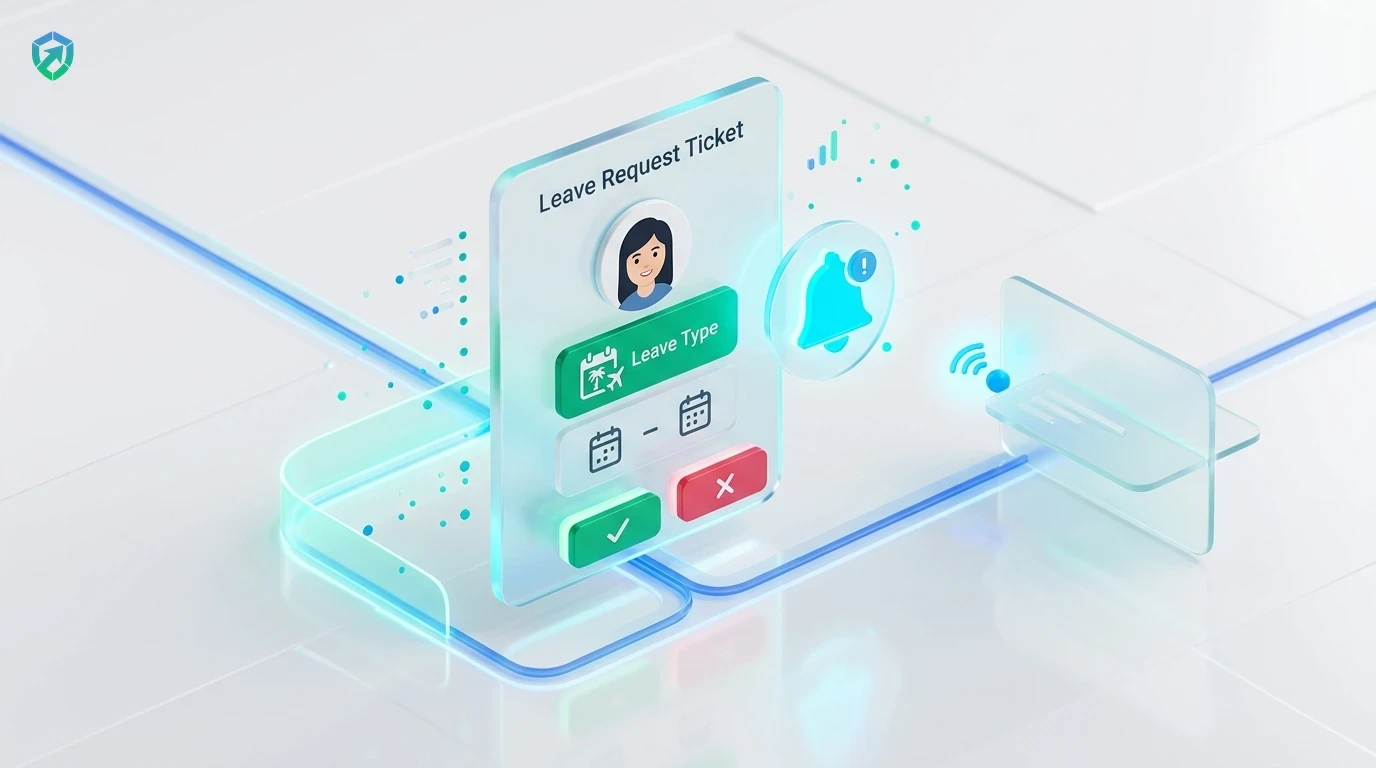
Keep things organized. Assign managers to their own teams so they only review what matters to them without cluttering other departments.
- Scoped Department Views: Engineering leads only see engineers and their tasks.
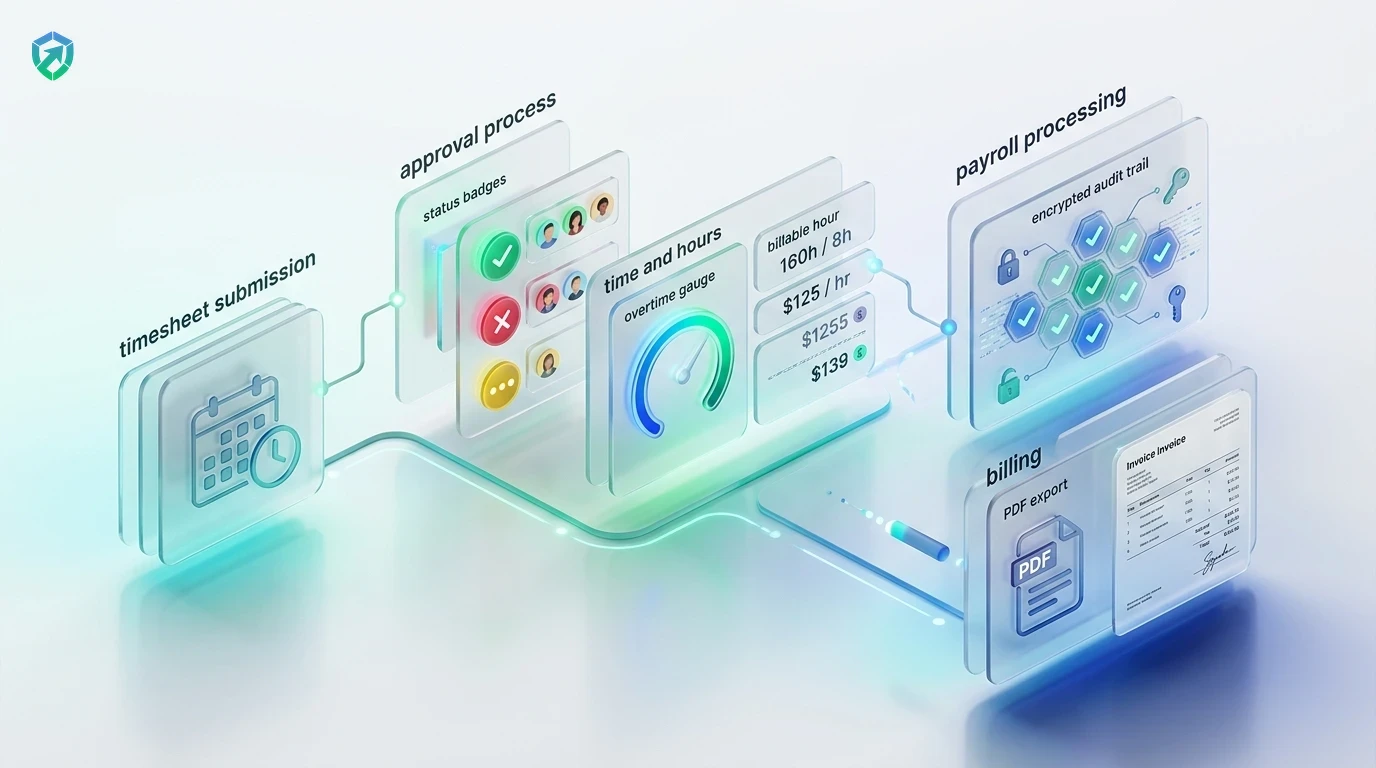
- Delegated Approvals: Managers approve timesheets and shift attendance with attendance tracking software.
- Custom Shift Rules: Managers set flexible hours via custom schedules.
Financial Privacy & Direct Payroll Authorization
Separate timesheet review from bank disbursements. Managers verify hours, while owners execute final payroll payouts with complete confidence.
- Two-Tier Approvals: Managers sign off on hours; owners execute payouts in automated payroll.
- Inactivity Defense: Prevent inflated hours using anti-bypass protection.
- Audit Log Retention: Store compliance-grade authorization records in team cloud storage.
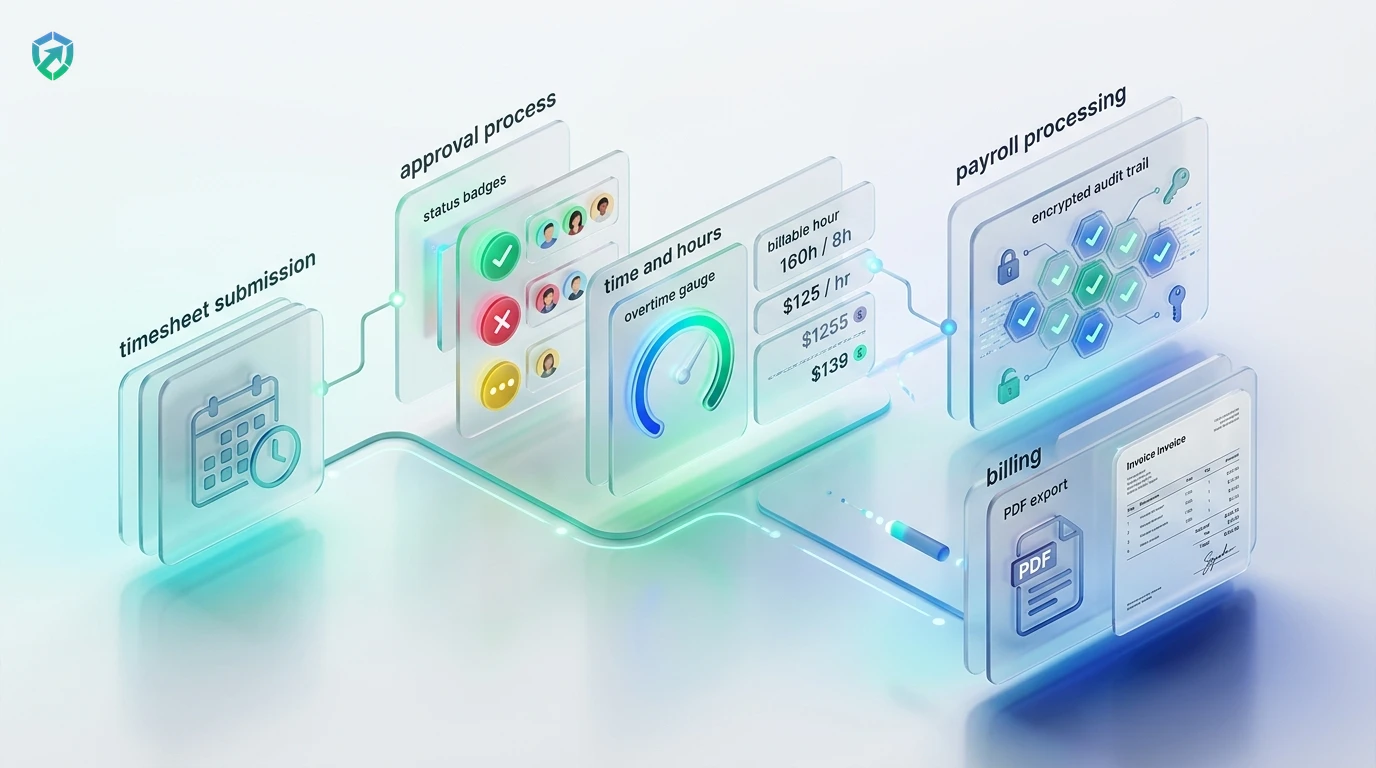
4-Step Role Provisioning & Permission Pipeline
From initial user invitation to secure, isolated access enforcement.
Assign Base Role
Select Owner, Admin, Manager, Member, or Client upon sending the invite email.
Set Department Scopes
Assign managers to specific teams so they only see data for their direct squad.
Enforce Privacy Toggles
Configure screenshot frequency, blur modes, and financial rate visibility.
Audit Access History
Track permission changes and login activity in tamper-evident compliance logs.
Tracknesty vs Shared Passwords vs Bloated Enterprise Tools
See why businesses switch to Tracknesty for simple, secure role access.
| Access Control Feature | Tracknesty Role-Based Access | Shared Passwords / Sheets | Complex Enterprise Tools |
|---|---|---|---|
| 5 Ready-Made Roles | Built-in & ready to assign in 1 click; zero IT setup | Everyone shares one password and sees everything | Requires weeks of expensive consultant training |
| Hidden Pay & Bill Rates | Restricted strictly to Owner and designated Admins | Leaked salaries create toxic workplace friction | High security, but locked behind $45/user tier |
| Department Isolation | Managers only see timesheets & logs for their squad | Total confusion and accidental cross-team edits | Tedious matrix configuration with frequent bugs |
| Client Guest Portal | Included free with branded project proof-of-work | Risky manual Excel exports that leak private notes | Requires purchasing extra $15/client guest seats |
| Screenshot Privacy Controls | Configurable full, blur mode, or off per department | All or nothing with zero privacy options | Rigid policies that anger remote employees |
| Anti-Bypass Protection | Flags mouse jigglers and faked hours across roles | Zero protection against ghost hours or fake apps | Complex plug-in setups requiring local agents |
| Monthly Price per User | $5.00 / user / month (all 5 roles included) | Security breaches and confidential data leaks | $30.00 to $60.00 / user / month |
Engineered for Safe Multi-Tier Organizations
See how BPOs, engineering squads, agencies, and distributed teams organize permissions with Tracknesty.
Team Leads, QA Auditors & Client Views
Grant shift leads access to agent queues while providing enterprise clients with audited, read-only proof-of-work via time tracking for BPOs.
Engineering Leads & External Contractors
Allow tech leads to review sprint tasks while restricting contractor accounts from viewing internal company budgets in time tracking for software development.
Account Managers & Client Guest Portals
Give account directors approval controls over design hours while sharing clean, rate-free proof of work with brand clients in time tracking for marketing agencies.
Regional Managers & Cross-Border Privacy
Ensure regional supervisors manage local shifts within compliance boundaries without exposing sensitive financial records in remote workforce software.
Frequently Asked Questions About Role-Based Access
Everything you need to know about permission levels, department privacy, and client portals.
What are the 5 built-in permission levels in Tracknesty?
The 5 roles are: 1) Owner (full company billing & bank control), 2) Admin (invites & global settings), 3) Manager (reviews assigned department hours & screenshots), 4) Member (tracks personal time only), and 5) Client Guest (views approved project proofs and reports).
Can regular employees see what other coworkers get paid?
Never. Hourly pay rates, billing margins, and client contract numbers are strictly protected. Only the Owner and designated Admins can view financial numbers.
Can a department manager see other teams or private projects?
No. You can assign managers to specific departments. A marketing manager only sees marketing hours and screenshots, keeping engineering and executive data completely private.
Can I invite clients to review hours without paying for a full seat?
Yes! Client guest accounts can view approved project time reports and work proofs for their projects without editing settings or seeing private employee details.
Can screenshot capture permissions be customized by role?
Yes! Admins can enable full screenshots, automatic blur mode for sensitive tasks, or disable screenshots entirely on a per-role or per-department basis.
How does live screen monitoring adhere to role permissions?
Only authorized managers and admins with explicit supervisor permissions can view live screen monitoring feeds for their assigned team members.
Does role-based access integrate with automated payroll approvals?
Yes! Department managers can review and approve weekly timesheets, while final wage payouts and banking disbursements remain restricted to Owners in automated payroll.
How much does Tracknesty role-based access software cost?
It is included in Tracknesty starting at just $5 per user per month (or $4.17/mo billed yearly). All 5 permission levels and client portals are included with a 7-day free trial.
Protect Your Company Data with Smart Roles
Assign 5 built-in permission levels in seconds. Protect pay rates, department privacy, and timesheet approvals with Tracknesty.