Project Cost Tracking Software for Modern Teams
Stop losing money on client projects that run over budget. Tracknesty calculates labor costs, tracks billable hours in real-time, and alerts you before project budgets run out.
Why Teams Choose Tracknesty for Project Cost Tracking
Simple, honest project cost tracking software that keeps projects on budget and protects your business profit.
Real-Time Project Costing
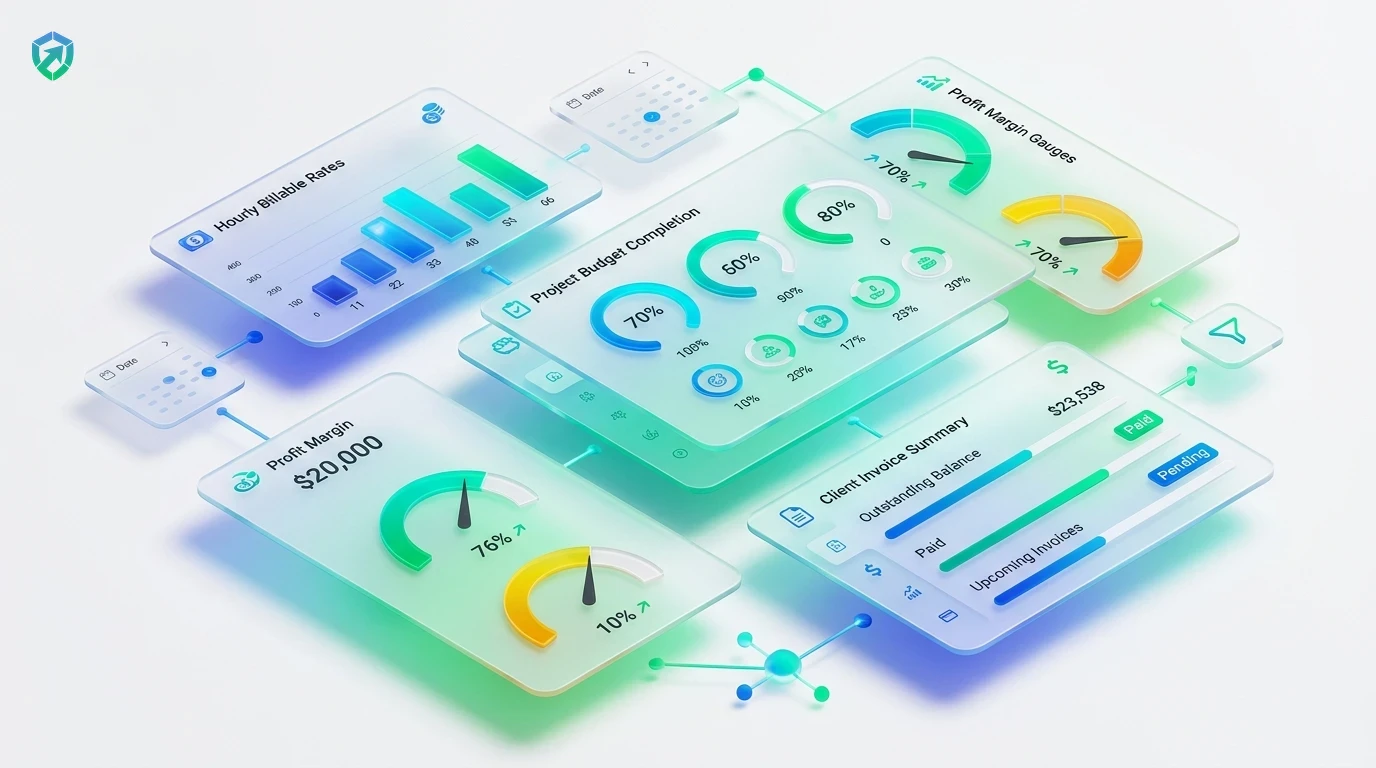
Know exactly how much every project costs as work happens. Track wages, contractor fees, and total spend live with project time tracking.
Custom Hourly Rates per Role
Assign custom billable rates and internal pay rates to each employee. Tracknesty turns tracked hours into accurate dollar amounts with employee time tracking.
Early Budget Warnings
Set fixed dollar budgets or hour caps on each client project. Get automated alerts when spending hits 80% and 100% so you never suffer unbilled scope creep via project time tracker.
Client Profitability Reports
See which clients earn you the highest margins and which projects eat up team time. Evaluate net realization in workforce analytics.
1-Click Client Invoicing & Payroll
Convert approved project hours into branded client invoices using time tracking and invoicing software, and reconcile contractor payroll via automated payroll.
Heuristic Anti-Bypass Defense
Protect client budgets from artificial hours. Tracknesty detects hardware USB mouse jigglers, virtual loops, and automated bypassers with anti-bypass protection.
Clients love transparency. When you provide clear project cost breakdowns backed by honest time logs, billing debates disappear and invoices get paid faster. For real-time quality assurance on high-stakes client deliverables, TrackNesty's live screen monitoring software enables managers to review active project screens without micro-interruption.
Prevent Budget Overruns Before They Cost You Money
Say goodbye to awkward client emails where a project cost twice as much as estimated. Tracknesty tracks every hour worked and warns you before you hit the client limit.
- Fixed Dollar & Hour Limits: Define strict budget caps for every client project with project time tracker.
- Proactive Threshold Alerts: Receive automatic notifications when spending hits 80% and 100% capacity.
- Color-Coded Burndown Gauges: Spot potential over-servicing before unbilled work damages your agency margins.

Know Your Exact Profit on Every Client Milestone
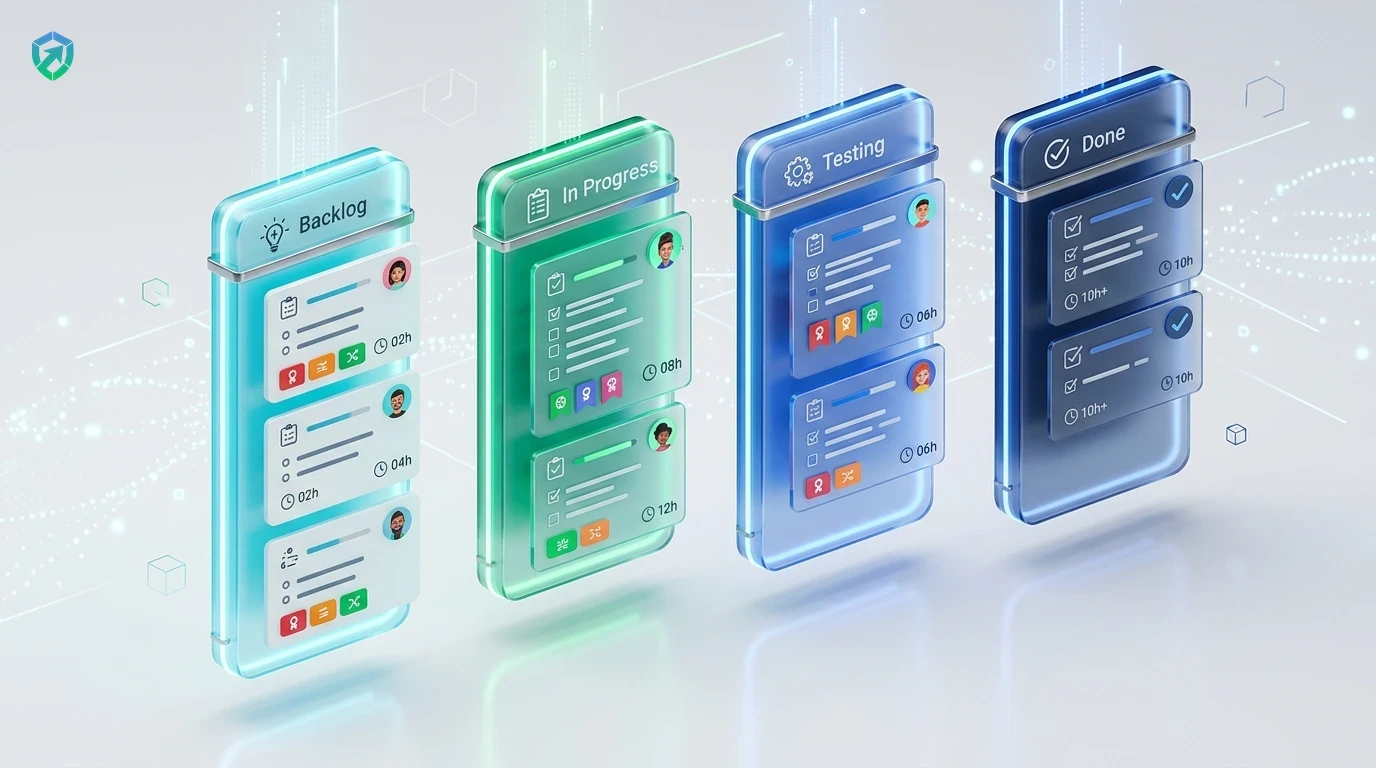
Compare what you pay your team against what you invoice your clients. Tracknesty calculates gross profit margins automatically so you always know which projects are making you money.
- Billable Realization Rate: Instant breakdown of billable hours vs non-billable administrative time in workforce analytics.
- Proof-Backed Reports: Attach optional timestamped screenshot receipts from our time tracker with screenshots.
- Smarter Future Estimates: Price upcoming client retainers accurately based on historical project cost data.
1-Click Client Invoicing & Direct Payroll Labor Cost Sync
Bridge project costs directly into client billing and contractor disbursements. Tracknesty connects tracked labor time to professional client invoices and automated payouts.
- Branded Invoices: Convert billable project hours into PDF invoices via time tracking and invoicing software.
- Contractor Payroll Sync: Disburse accurate contractor payouts with automated payroll.
- Encrypted Storage: Securely archive invoices and cost audit records inside team cloud storage.
4-Step Project Costing & Profitability Cycle
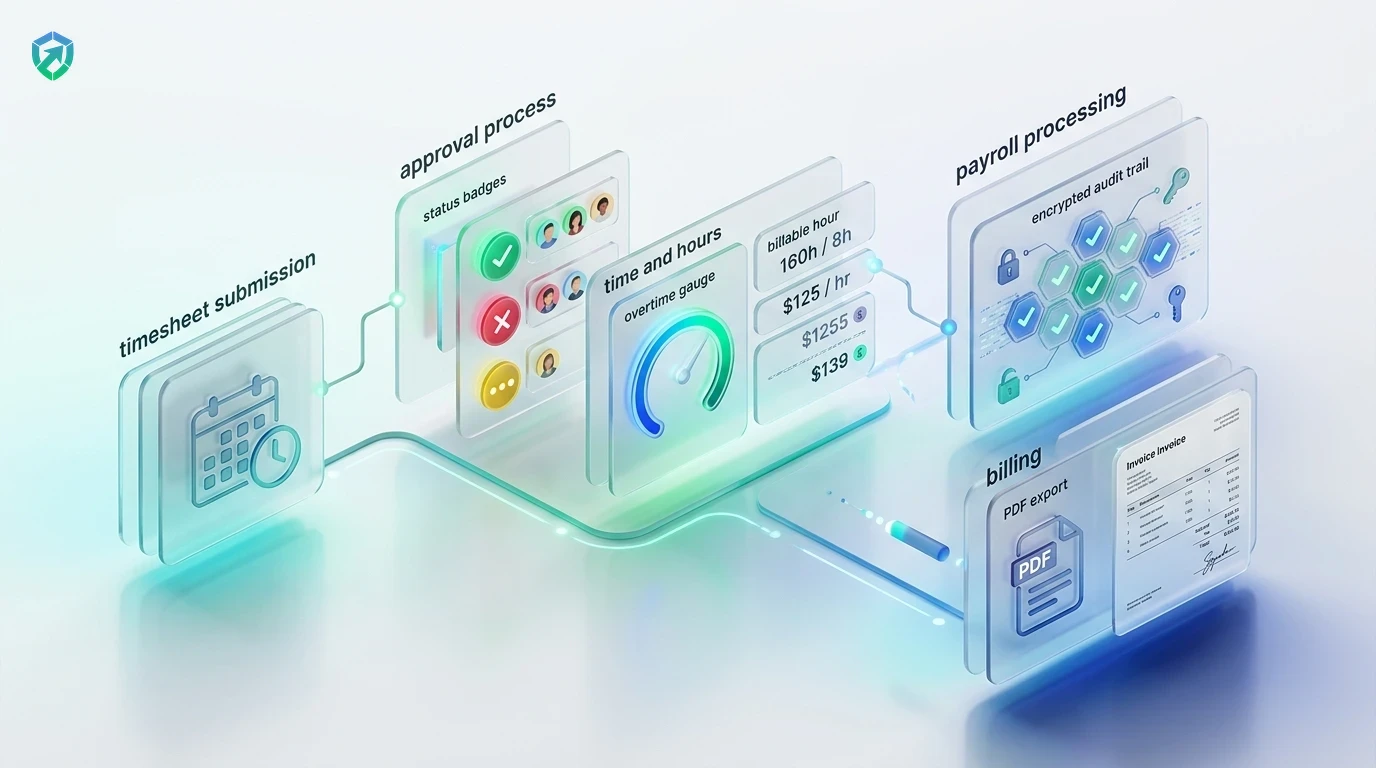
From initial rate configuration to verified invoice payment and contractor reconciliation.
Set Rates & Budgets
Configure billing rates per role, internal wage rates, and client project budget limits.
Live Labor Tracking
Staff track task hours via desktop client; spend tallies automatically in real time.
Margin & Burn Alerts
Track real-time profit margins and receive automated notifications before budget overruns.
Bill & Reconcile
Export verified invoices with itemized cost backing and disburse team payroll in 1 click.
Tracknesty vs Accounting Apps vs Manual Sheets
See how Tracknesty delivers simple, powerful project cost tracking without high software fees.
| Project Cost Capability | Tracknesty Project Cost Software | Clunky Accounting Apps | Manual Excel Sheets |
|---|---|---|---|
| Real-Time Labor Costing | Automatic live updates tied to custom role rates | Requires manual sync or delayed bookkeeper entry | Slow manual calculator math prone to broken formulas |
| Early Budget Warnings | Automatic proactive alerts at 80% & 100% capacity | Available only on complex enterprise tier plans | No alerts at all; overruns discovered at month end |
| Custom Rates per Role & Project | Unlimited flexible rate levels per person and client | Rigid setup requiring tedious accounting reconfiguration | Messy spreadsheets that break when team members change |
| Built-in Desktop Time Tracking | Included automatically with idle and jiggler defense | Requires paying for separate 3rd party tracker plugin | Completely manual honor system time self-reporting |
| Client Invoicing Integration | 1-Click branded PDF invoice exports with proof of work | Disjointed invoice builders lacking project task context | Manual Word document formatting taking hours each cycle |
| Audit Trail & Cloud Archives | Encrypted immutable audit logs stored in team cloud storage | Basic general ledger entries lacking activity detail | Zero audit trail; anyone can accidentally edit cells |
| Monthly Price per User | $5.00 / user / month (all features included) | $40.00 – $70.00 / user / month | Hidden cost of lost profits and unpaid overruns |
Engineered for High-Performance Service Businesses
See how agencies, consultancies, and engineering studios rely on Tracknesty.
Retainer Profitability & Scope Creep Defense
Prevent unbilled creative hours in Figma, Photoshop, and Meta Ads from eroding retainer profit margins with time tracking for marketing agencies.
Sprint Labor Costs & Developer Rates
Calculate the true engineering cost of user stories, bug fixes, and feature milestones with time tracking for software development.
Technician Cost Attribution & SLA Margins
Allocate technician labor costs to specific customer support contracts and ensure healthy operating margins with time tracking for BPOs.
Hourly Realization & Client Invoicing
Provide enterprise clients with tamper-proof cost breakdowns backed by verifiable desktop activity using project time tracking.
Frequently Asked Questions About Project Cost Tracking
Everything you need to know about labor costing, budget alerts, and client billing.
How does project cost tracking software calculate costs in real time?
Tracknesty multiplies the tracked work hours of each team member by their custom hourly rate. As employees log time to a project, the total labor cost and remaining budget update automatically in real time.
Can I set different hourly rates for different employees or roles?
Yes! You can set specific hourly rates for each team member or set different billing rates per project. For example, you can charge $75/hr for senior design work and $45/hr for general support.
Does Tracknesty warn me before a project budget runs out?
Yes. You can set dollar budgets or maximum hour limits for every project. Tracknesty sends automatic alerts when spending reaches 80% and 100% of the limit so you never suffer unexpected budget overruns.
Can I export project cost reports and generate invoices for client billing?
Yes! You can download clean, professional PDF or CSV cost summaries in one click. Reports show exact work hours, team members, tasks completed, and total billable amounts ready for invoicing.
Can we separate billable labor costs from non-billable administrative hours?
Yes. Every project task can be tagged as billable or non-billable. Tracknesty calculates your agency’s true profit margins by factoring in both client-billed hours and internal team overhead.
How does live screen monitoring assist cost management?
Supervisors can view active employee screens in real time via live screen monitoring to verify work progress on high-value billable milestones and assist staff during complex tasks.
Does Tracknesty calculate costs if employees work offline without internet?
Yes. Work hours and task intervals are securely cached on the local desktop client. The moment internet connectivity restores, cost totals and budget burndown gauges recalculate automatically.
How much does Tracknesty project cost tracking software cost?
Tracknesty starts at just $5 per user per month (or $4.17/mo billed yearly). This includes full project cost tracking, budget alerts, time tracking, timesheets, and attendance with a 7-day free trial.
Take Control of Your Project Costs Today
Track labor expenses, prevent budget overruns, and calculate client profits with Tracknesty project cost tracking software.