Intelligent Project Time Tracking for Profitable Delivery
Stop guessing where company hours disappear. TrackNesty provides smart project time tracking that ties every minute to specific client deliverables, prevents budget overruns, and streamlines client invoicing.

Why Agencies and Dev Teams Choose Tracknesty
Connect client milestones directly with employee time tracking, workforce analytics, and automated payroll.
Client & Task Segmentation
Organize tracked work into a clean multi-tier structure: Client → Project → Task → Subtask. Measure exact resource hours invested into each deliverable.
Budget Warnings & Burn Rates
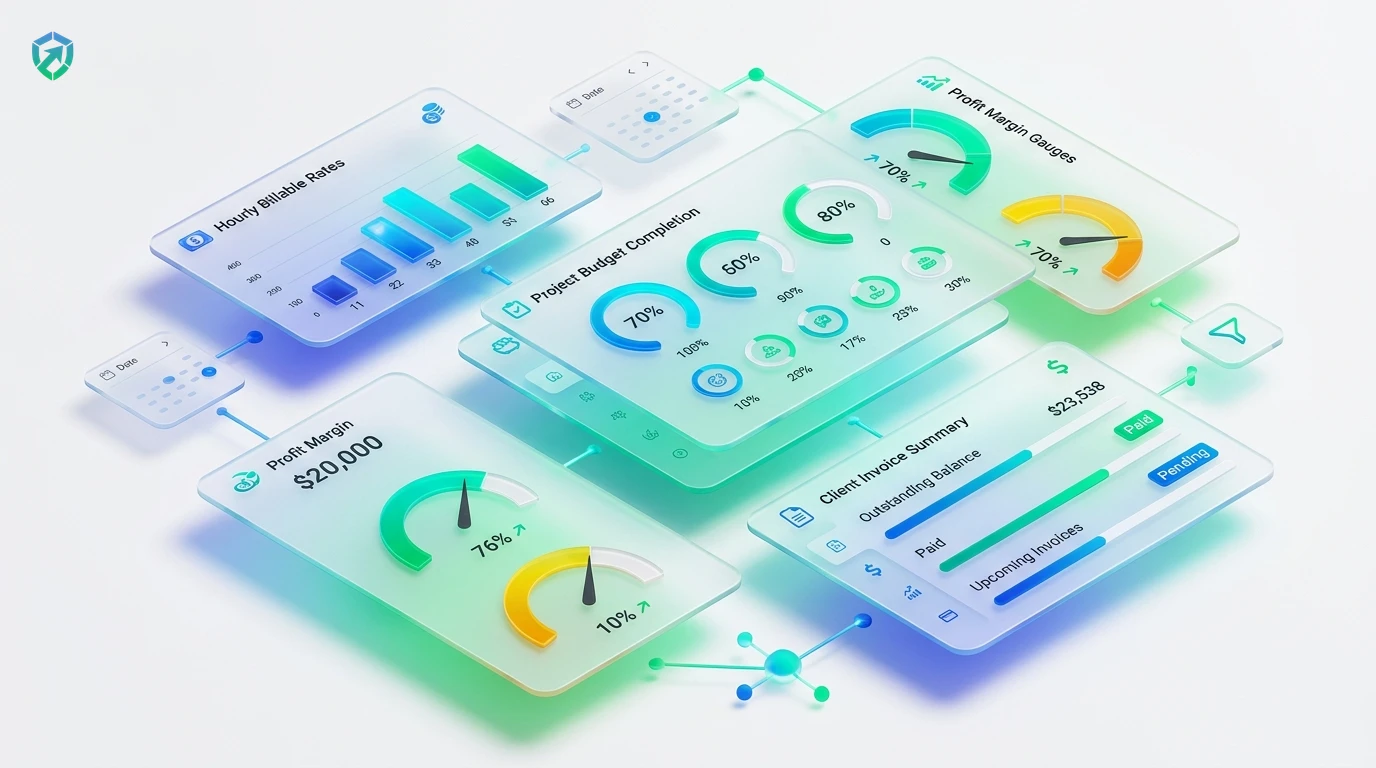
Prevent fixed-price projects from eating into company margins with real-time burn rate gauges and proactive budget threshold warnings via project cost tracking software.
Billable vs Non-Billable Filtering
Differentiate between revenue-generating client hours and internal admin meetings to ensure client invoices are 100% accurate and dispute-free.
Sync with Automated Payroll
Automatically calculate contractor payouts and employee wage totals based on hourly project rates with our integrated automated payroll.
Visual Kanban Sprint Boards
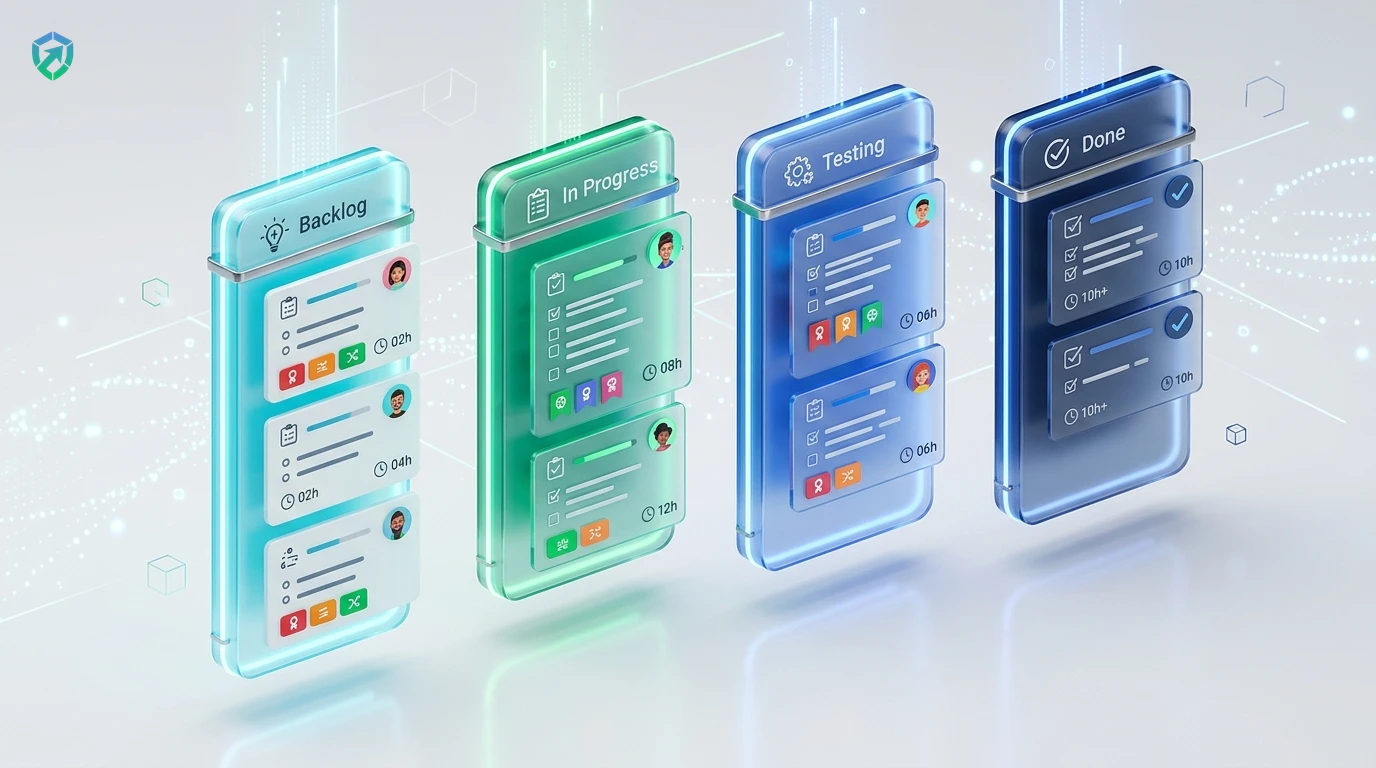
Track task progress visually with interactive Kanban boards, linking drag-and-drop task statuses directly with active developer timers.
1-Click Client Invoicing
Turn verified billable hours into branded, itemized PDF invoices with time tracking and invoicing software ready for online payments.
Fixed-price contracts and client retainers fail when scope creep goes untracked. Tracknesty connects individual employee timers directly to project milestones, providing real-time financial burn rates and indisputable proof of work to eliminate invoice disagreements permanently.
Real-Time Project Budgeting & Proactive Burn Rate Alerts
Discovering a project has exceeded its budget weeks after completion destroys agency margins. Tracknesty enables managers to assign fixed financial or hourly caps to every client contract, sending automatic alerts before budgets are breached.
- Automated Threshold Nudges: Receive notifications when client accounts reach 75%, 90%, or 100% of budgeted hours.
- Live Margin Calculations: Automatically factor individual team wage rates against billable client fees via project cost tracking software.
- Historical Velocity Forecasts: Estimate future milestone completion dates based on real team velocity.
Multi-Tier Task Segmentation & Visual Kanban Sprint Boards
Developers and creatives shouldn't have to fight complex software to log their time. Tracknesty provides intuitive Kanban boards where team members can drag tasks across stages and start timer tracking in a single click.
- Hierarchical Structure: Group work cleanly into Client → Project → Task → Subtask tiers.
- 1-Click Task Switching: Switch active timers between client tickets in the desktop tray without losing context.
- Sprint Velocity Tracking: Measure sprint burn downs inside time tracking for software development.
Turn Verified Billable Hours into Client Invoices Instantly
Eliminate hours spent manually creating invoices in Excel. Tracknesty aggregates verified billable project hours and compiles them into professional client invoices with attached proof-of-work documentation.
- Visual Proof Verification: Back up client invoices with timestamped captures from our time tracker with screenshots.
- Multi-Currency Billing: Bill international clients in USD, EUR, GBP, or CAD using time tracking and invoicing software.
- Fast Payment Integration: Provide direct client payment links to accelerate accounts receivable collection.
4-Step Project Delivery & Billing Cycle
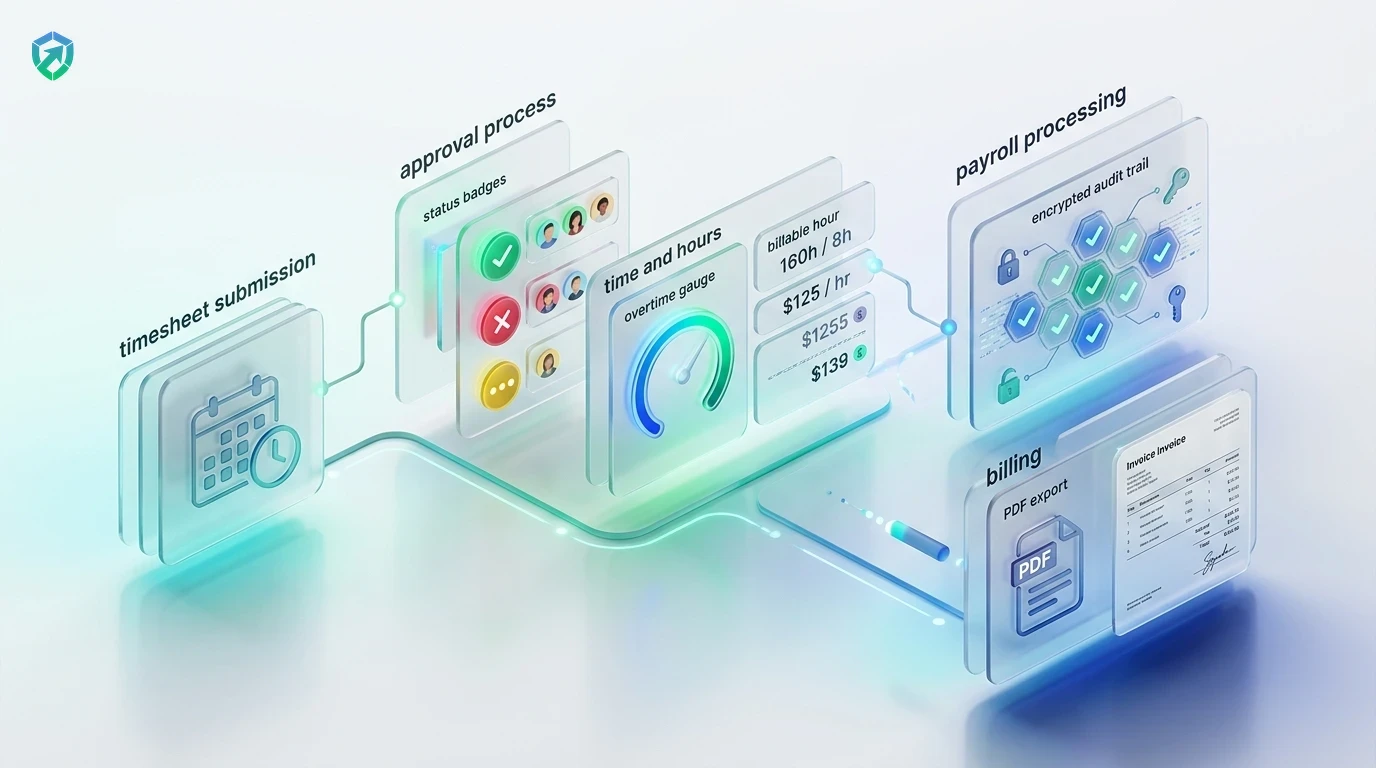
From initial project setup to verified client payout in four automated stages.
Configure Project
Create client accounts, assign task budgets, and set custom billable rates per team member.
Track Active Time
Staff launch timers against specific client tasks on desktop or web with zero friction.
Monitor Margins
Review live burn rate gauges and receive automated threshold alerts before overruns happen.
Invoice & Pay
Generate client invoices with attached proof-of-work and reconcile team contractor pay.
Tracknesty vs Legacy Project Management Tools
See how Tracknesty eliminates expensive software bundles by combining project tracking, budgeting, and invoicing.
| Project Tracking Capability | Tracknesty Project Tracking | Legacy PM Apps (Asana / Monday) | Manual Spreadsheets |
|---|---|---|---|
| Client & Task Hierarchy | Multi-tier: Client → Project → Task → Subtask | Rigid flat project lists | Messy, unlinked spreadsheet columns |
| Real-Time Budget Warnings | Automatic alerts at 75% and 90% allocation | Requires manual check at end of month | Discovered after project is already in the red |
| Billable vs Non-Billable Tags | 1-Click toggle with separate invoice exports | Requires complex custom field formulas | Manual color-coding prone to mistakes |
| Proof of Work Visual Sync | Syncs with screenshots and live desktop stream | Text-only timesheet entries | Zero verifiable proof of work |
| Direct Invoice Generation | 1-Click branded invoice with attached audit logs | Expensive 3rd-party invoicing add-ons | Manual Word document formatting |
| Contractor Payroll Link | Direct flow into automated payroll ledger | Disconnected accounting imports | Manual calculator re-computation |
| Monthly Cost | $5.00 / user / month (all tools included) | $12.00 – $30.00 / user / month | Hidden cost of billing dispute write-offs |
Built for Modern Client-Service Organizations
Learn how agency owners, software engineers, and consulting directors rely on Tracknesty.
Retainer Profitability & Deliverable Accuracy
Prevent creative sprints from bleeding agency margins. Measure exact client hours and attach milestone screenshots with time tracking for marketing agencies.
Sprint Burndown & Milestone Velocity
Track engineering hours across user stories, pull requests, and bug tickets with precision using time tracking for software development.
Client SLA Tracking & Help Desk Allocations
Verify agent hours dedicated to specific client queues and ticketing contracts with time tracking for BPO.
Fixed-Price vs T&M Project Audits
Deliver clean financial transparency to corporate enterprise clients. Reconcile project labor costs using workforce analytics.
Frequently Asked Questions About Project Time Tracking
Everything you need to know about task allocation, budget threshold warnings, and client invoicing.
How does project time tracking differ from basic employee time tracking?
While general employee time tracking records total clock-in and clock-out hours for attendance, project time tracking breaks down those hours into specific clients, tasks, and deliverables to evaluate project budgets and billable profitability.
Can managers set budget limits and receive notifications before overrunning?
Yes! Tracknesty lets you set budget hours or financial limits per project. When a project hits 75% or 90% of its allocation, automated alerts notify managers immediately.
Can project hours be converted into client invoices?
Yes. All billable hours can be compiled into professional client invoices with attached proof-of-work screenshots and timesheet summaries in one click.
Can team members switch between multiple client projects easily?
Team members can switch projects with a single click in the desktop tray menu or web dashboard, ensuring zero friction and precise task segmentation.
How does billable vs non-billable time filtering work?
When creating tasks or logging time, members can mark entries as Billable or Non-Billable. Invoices only pull billable client work, while internal meetings remain logged for operational capacity.
Can screenshots be attached to client proof-of-work invoices?
Yes! Tracknesty pairs project hours directly with our time tracker with screenshots, giving clients complete visual proof of work alongside their billing statements.
Can we assign different hourly rates per employee or project?
Yes. You can configure individual billing rates by team member, customized client project rates, or default task rates, with automatic currency conversions.
How much does Tracknesty project time tracking cost?
Tracknesty costs just $5 per user per month (or $4.17/mo billed annually). All project budget tracking, invoicing, screenshot proof, and payroll tools are fully included.
Protect Your Margins with Project Time Tracking
Deliver client projects on time and under budget. Eliminate scope creep, track billable hours accurately, and automate client invoicing with Tracknesty.