Custom Schedules& Shift Rules for Each Employee
Not everyone works 9 to 5. With Tracknesty, you can set morning shifts, night shifts, or flexible hours for each person. Track lunch breaks and see who comes on time automatically.
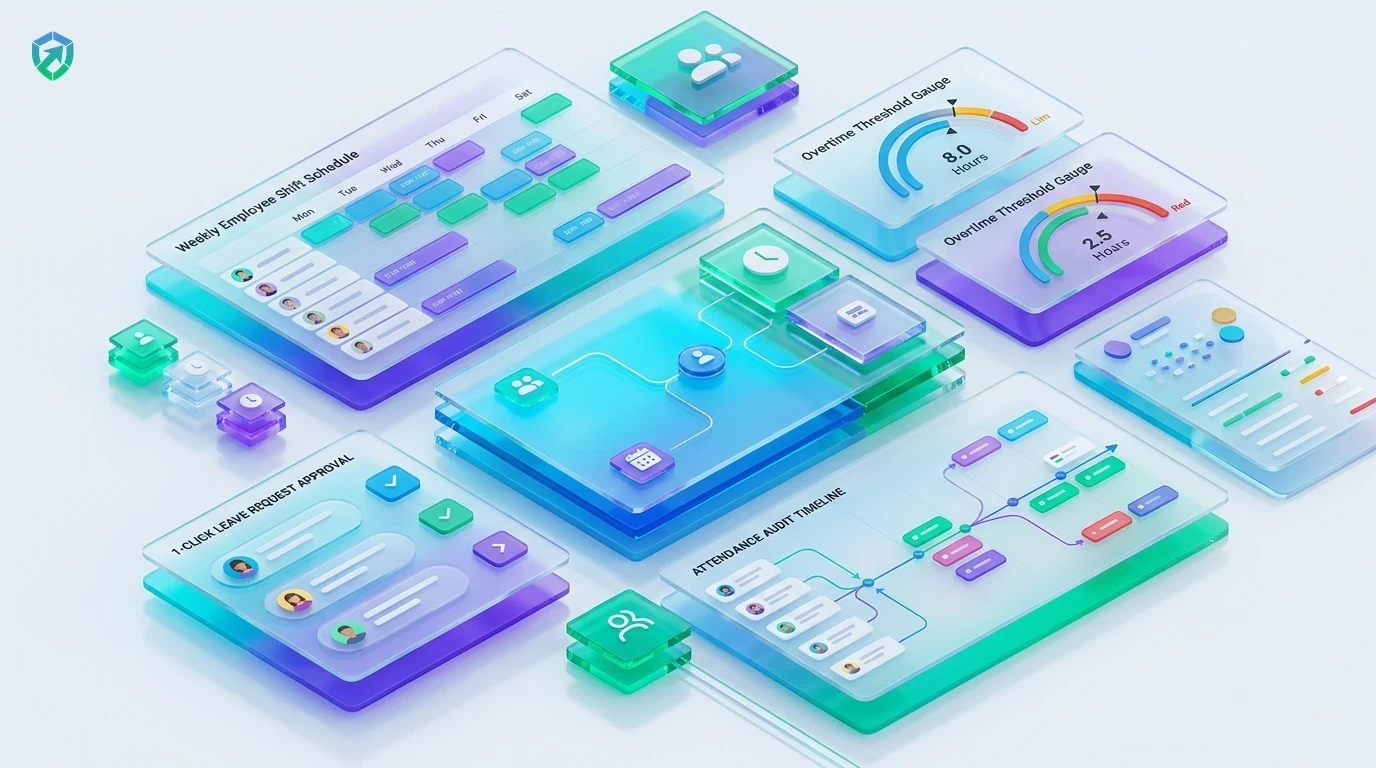
Everything You Need to Manage Team Shifts
Simple tools to set work hours for full-time, part-time, and flexible team members.
Per-Member Shift Rules
Give every employee their own hours. Choose exact start and end times for morning, evening, or night shifts in just two clicks with attendance tracking software.
Flexible Working Hours
Let trusted team members clock in anytime between 7 AM and 10 AM, as long as they finish their daily 8 hours. Simple and fair with employee time tracking.
Lunch & Coffee Break Rules
Set rules for lunch and rest breaks. The timer pauses while employees eat and starts again when they return via idle time tracking software.
Automated Late & Overtime Alerts
See who started on time, who was late, and who stayed late for overtime. No more guessing or manual math with employee timesheet software.
Direct Payroll & Wage Sync
Automatically transfer validated shift hours and approved overtime straight into automated payroll to generate accurate monthly payslips.
Encrypted Shift History Vault
Maintain an immutable, cloud-backed audit log of schedule edits, punch overrides, and overtime authorizations safely inside team cloud storage.
Strict 9-to-5 schedules do not work for every modern team. Tracknesty gives your business the right balance between clear rules and work freedom, making daily hours simple for everyone. For real-time review of team progress during peak shift hours, TrackNesty's live screen monitoring software provides managers with instant workflow visibility while maintaining team trust.
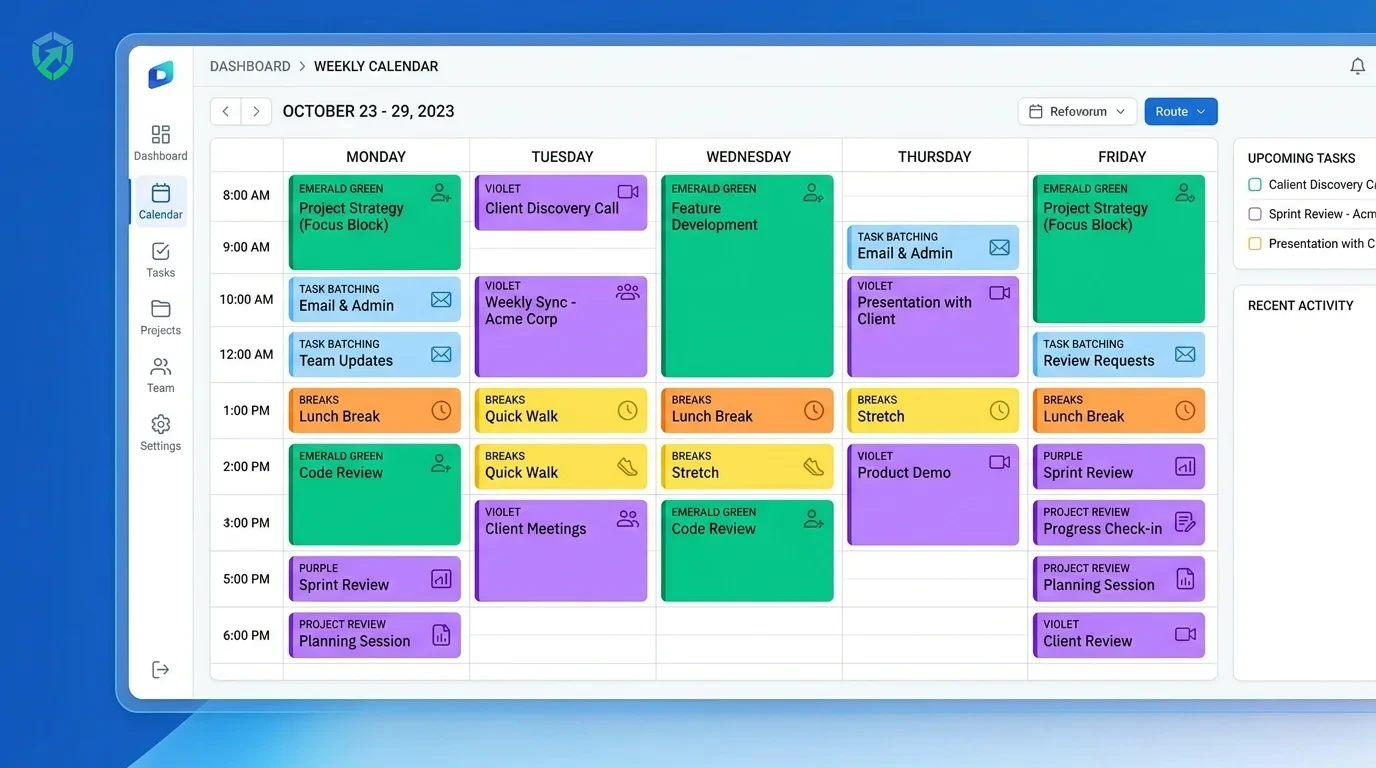
Set Work Hours for Any Person or Global Team
Different jobs need different hours. Set morning shifts for office staff, evening shifts for customer support, and flexible hours for engineers.
- Individual Shift Hours: Pick exact start and end times for any person in a few clicks via attendance tracking software.
- Overnight & Graveyard Shifts: Handles overnight shifts that cross midnight without confusing timestamps.
- Desktop Schedule Sync: Employees see their shift times right in their app so they never miss a shift.
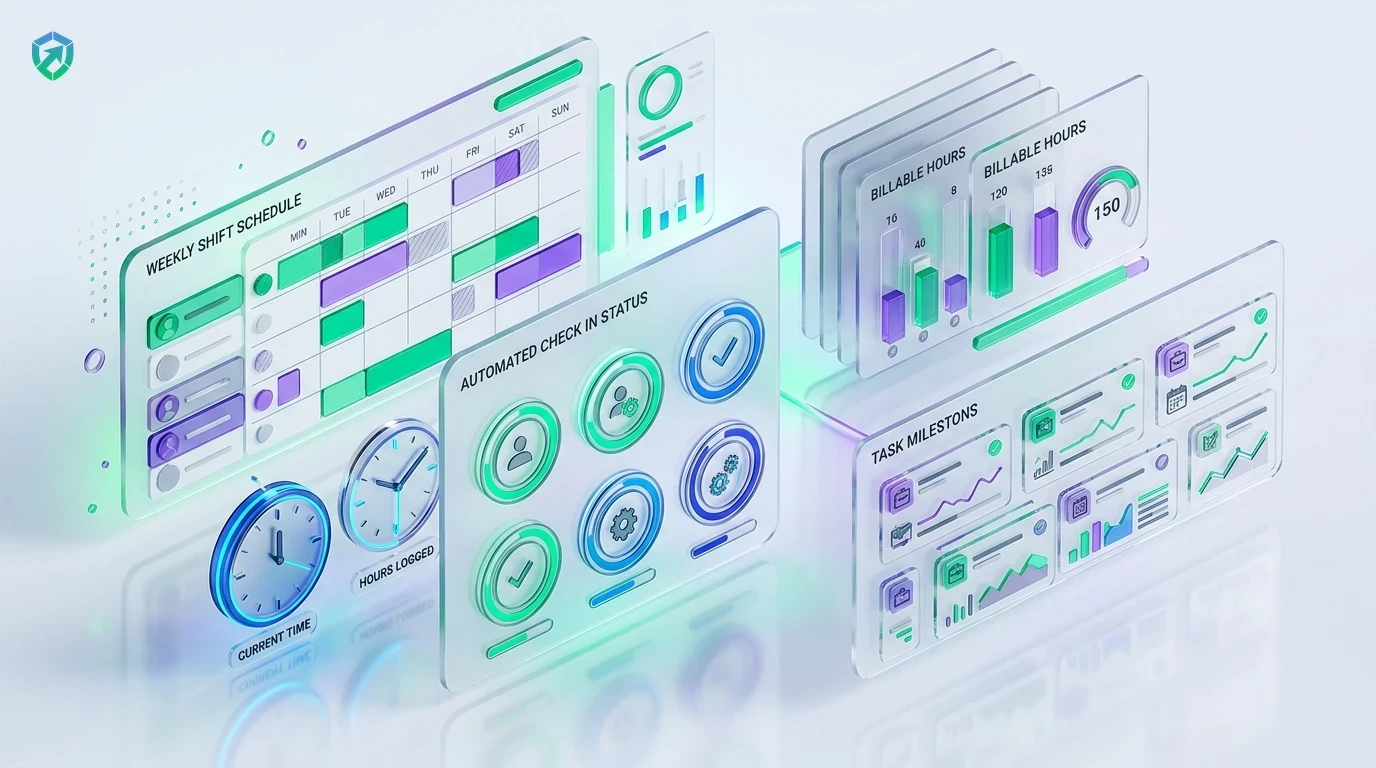
Track Breaks and Daily Attendance Automatically
Keep your team’s hours clean and honest. Track lunch breaks, short rest breaks, and overtime hours so everyone gets paid fairly for their real work.
- Custom Break Windows: Set daily break rules like 30, 45, or 60 minutes with auto-pause in idle time tracking software.
- Real-Time Shift Status: Classify attendance automatically: On-Time, Late, Half-Day, or Overtime.
- Inactivity Defenses: Catch fake activity tools with anti-bypass protection.
Automated Attendance Auditing & Direct Payroll Sync
Transform shift attendance records directly into accurate wage calculations. Tracknesty connects schedule adherence to employee payroll payouts.
- Timesheet Verification: Route verified shift hours directly into employee timesheet software.
- Accurate Overtime Payouts: Automatically compute overtime rate multipliers with automated payroll.
- Compliance Archives: Maintain tamper-evident attendance audit logs in team cloud storage.
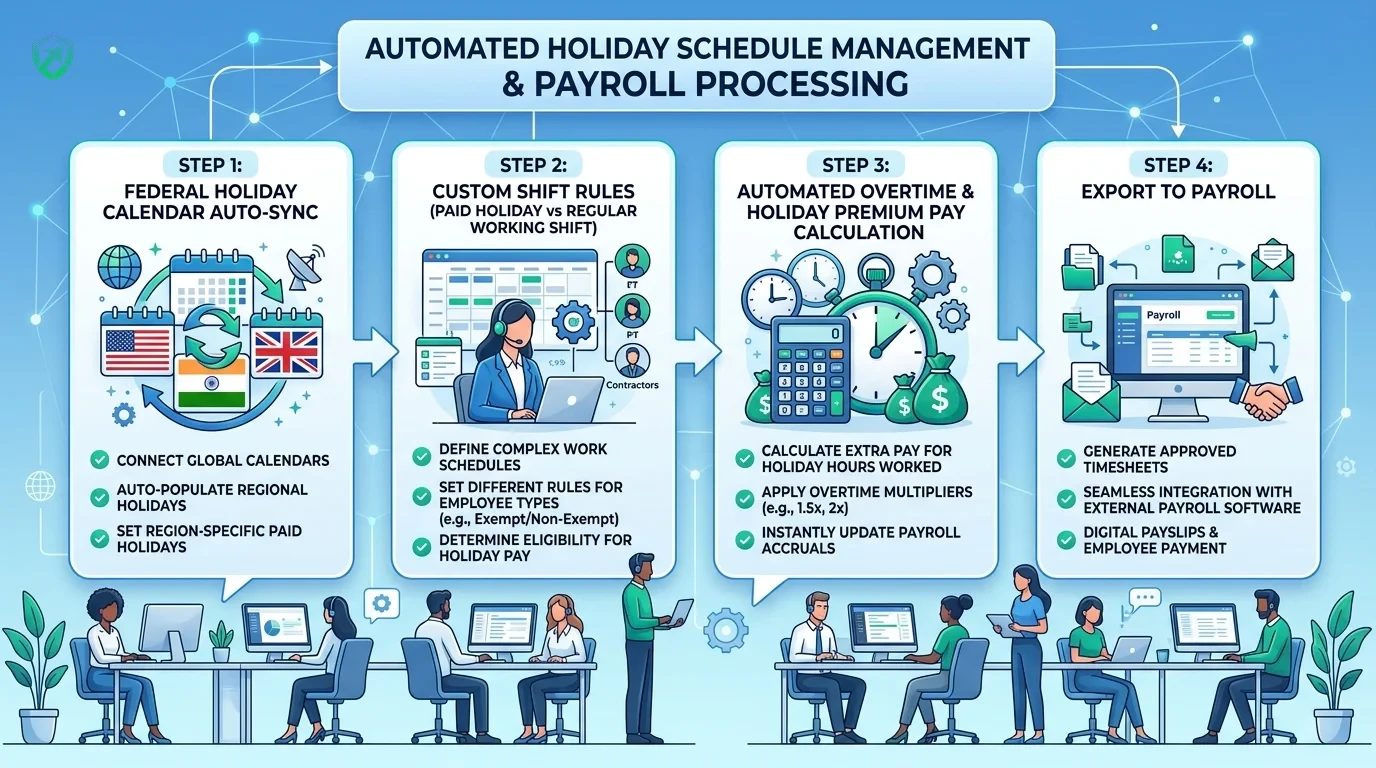
4-Step Custom Shift & Scheduling Pipeline
From initial shift rule configuration to verified payroll payout.
Configure Templates
Define standard morning, night, or flexitime rules with custom grace periods and break limits.
Assign Rosters
Assign specific shifts to team members or departments in 2 clicks; schedules sync to their apps.
Automated Tracking
Tracknesty compares clock-ins against scheduled shifts, flagging late check-ins and overtime.
Payroll Sync
Approved shift hours and overtime route directly into payroll calculations with zero manual math.
Tracknesty vs Paper Rosters vs Old Shift Apps
See why modern teams switch to Tracknesty for simple shift and break management.
| Scheduling Capability | Tracknesty Custom Schedules | Paper / Excel Rosters | Old Expensive Shift Apps |
|---|---|---|---|
| Shifts per Team Member | Custom hours, shift windows & flexitime per person | One stiff spreadsheet for all; impossible to customize | Complicated enterprise UI requiring extensive training |
| Late & Overtime Tracking | Automatic real-time alerts against scheduled shifts | Manual math mistakes and forgotten late arrivals | Locked behind expensive enterprise tier upgrades |
| Break Policies & Auto-Pause | Automatic lunch & rest pauses with return check-ins | Unchecked honor system leading to inflated payroll | Requires paying for separate add-on plugins |
| Multi-Timezone Support | Automatically normalizes shifts across global timezones | High risk of confusion across remote timezones | Tedious timezone conversion settings |
| Anti-Bypass Protection | Flags mouse jigglers during active shift windows | Zero protection against ghost hours | Easily bypassed by basic hardware gadgets |
| Direct Payroll Integration | 1-Click automated payslips from verified shift hours | Hours of manual data entry each pay period | Manual CSV exports requiring manual adjustments |
| Monthly Price per User | $5.00 / user / month (all features included) | Wasted hours and frequent payroll overpayments | $12.00 to $25.00 / user / month |
Engineered for Versatile Workforce Operations
See how BPOs, engineering squads, and agencies manage shifts effortlessly with Tracknesty.
24/7 Multi-Shift Coverage & Graveyard Shifts
Schedule rotational 8-hour agent shifts across day and night queues with automatic late arrival flags using time tracking for BPOs.
Core Hours & Asynchronous Flexibility
Give developers freedom to work whenever they are most productive while maintaining 10 AM to 2 PM core standup overlap in time tracking for software development.
Campaign Sprints & Flexitime Policies
Allow creative designers and copywriters to adjust their hours during major product launch sprints with time tracking for marketing agencies.
Timezone-Aware Scheduling & Autonomy
Set clear working boundaries for remote teammates across America, Europe, and Asia with remote workforce software.
Frequently Asked Questions About Custom Schedules
Everything you need to know about shift rules, flexible hours, and break management.
Can I give different working hours to different team members?
Yes! You can set different hours for each person. For example, your support team can work from 9 AM to 5 PM, while your developers can start whenever they want as long as they complete their daily hours.
How do I know if someone starts late or leaves early?
Tracknesty compares check-in and check-out timestamps against their assigned shift rule. If someone starts late, leaves early, or clocks overtime, it displays automatically on your supervisor dashboard.
Can I track lunch and coffee breaks automatically?
Yes! You can set break policies like 45 minutes for lunch and 15 minutes for coffee. When an employee takes a break, the timer pauses automatically so billable hours stay clean.
Does Tracknesty support overnight shifts and global time zones?
Yes! Tracknesty easily handles overnight graveyard shifts that cross midnight, as well as team members working across different global time zones.
Can approved shift attendance sync directly into payroll?
Yes! Shift attendance, approved overtime hours, and deduction rules sync seamlessly into automated payroll for 1-click wage calculations.
How does live screen monitoring assist shift supervisors?
Supervisors can view active employee screens in real time via live screen monitoring to confirm on-shift productivity and assist agents during active shifts.
Does schedule tracking work if an employee works offline?
Yes! Shift check-ins and active hours are recorded locally on the desktop app and synchronize with central schedule records as soon as internet connectivity returns.
How much does Tracknesty custom schedules software cost?
Tracknesty costs only $5 per person each month (or $4.17/mo if billed yearly). You get custom shifts, attendance tracking, timesheets, and payroll sync with a 7-day free trial.
Create Easy Work Schedules for Your Team Today
Set custom work shifts, track lunch breaks automatically, and keep attendance clear with Tracknesty.