Fair, Transparent Employee Monitoring Software
Get complete visibility into daily team activities without acting like invasive spyware. TrackNesty combines honest employee monitoring software with automated employee time tracking to foster accountability and protect client budgets.
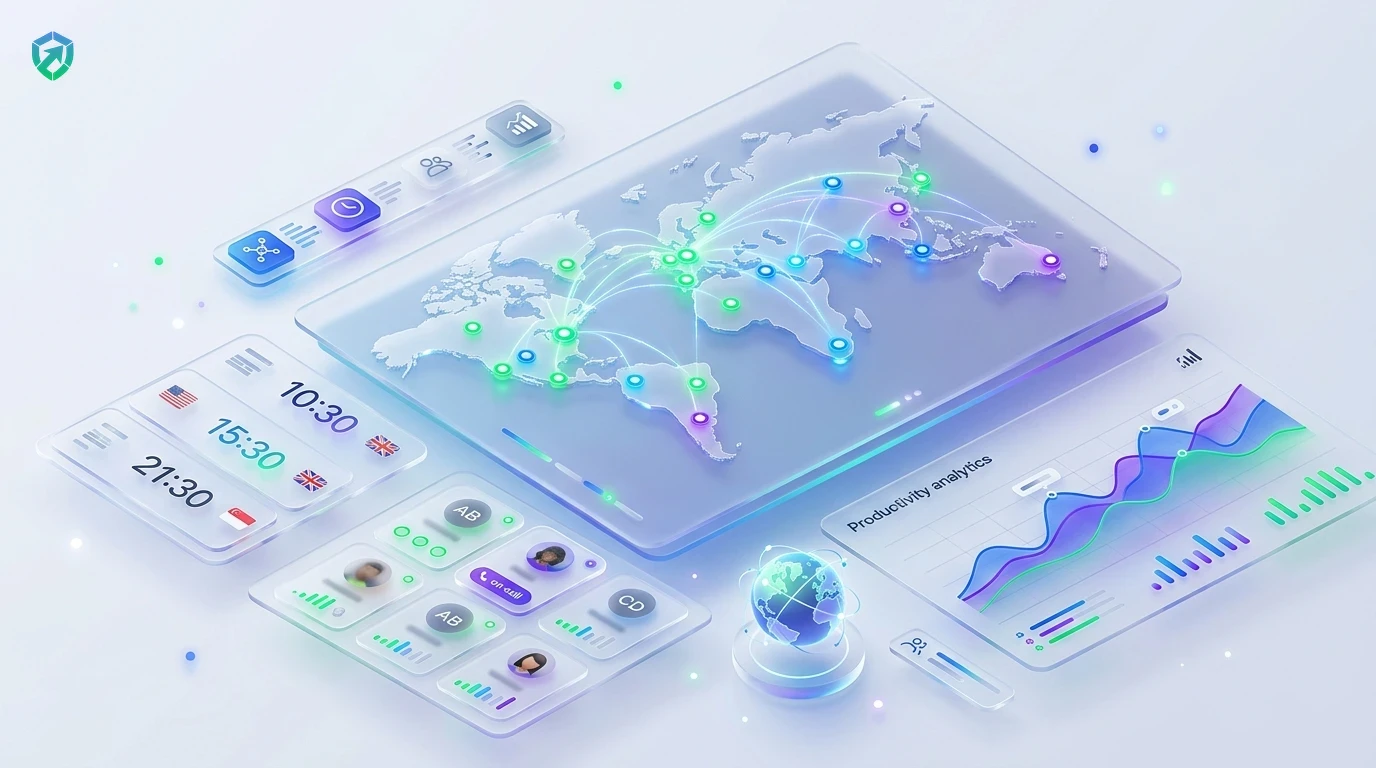
Comprehensive Capabilities Inside Tracknesty Employee Monitoring Software
Give your managers the tools to guide remote workers with an automated time tracker with screenshots and deeper employee productivity monitoring. TrackNesty's live screen monitoring software allows managers to view active employee screens in real time while keeping teams confident that personal time remains strictly confidential.
Real-Time Live Desktop View
Watch active work desktops live with zero lag using our built-in live screen monitoring. Perfect for remote QA audits, agent training, and urgent escalation handling.
Automated Screenshot Verification
Set fixed or randomized capture intervals with our time tracker with screenshots. Includes optional privacy blurring for personal or financial fields.
App & Website Tracking
Inspect software usage with employee app monitoring and employee website monitoring to distinguish productive tooling from distracting websites.
Anti-Bypass & Heuristic AI
Flag physical jigglers, virtual machine spoofing, and mouse emulators automatically with anti-bypass protection so your attendance records reflect genuine human work.
Objective Productivity Velocity
Evaluate active keyboard and mouse percentages per 10-minute interval with employee productivity monitoring without snooping on private text.
Role-Based Access & Privacy
Define custom manager permissions and department visibility rules with role-based access, keeping confidential executive data strictly segmented.
Tracknesty is strictly built on mutual accountability. Employees always know when the agent is monitoring via a visible desktop tray icon. We never record passwords, private WhatsApp/Slack messages, webcams, or microphone audio. When an employee takes a break or stops the work clock, all monitoring halts immediately.
Real-Time Operational Visibility Without Disruptive Status Meetings
Stop interrupting developers and designers with repetitive “what are you working on?” messages. The Tracknesty Live Team Status dashboard displays who is clocked in, which project is being addressed, and current desktop focus in real time.
- Instant Live Screen Feeds: View active desktops in real time with zero latency through live screen monitoring.
- Dual Monitor Support: Switch seamlessly between multiple displays with one click.
- Shift Punctuality Tracking: Cross-reference attendance records directly with employee attendance software.
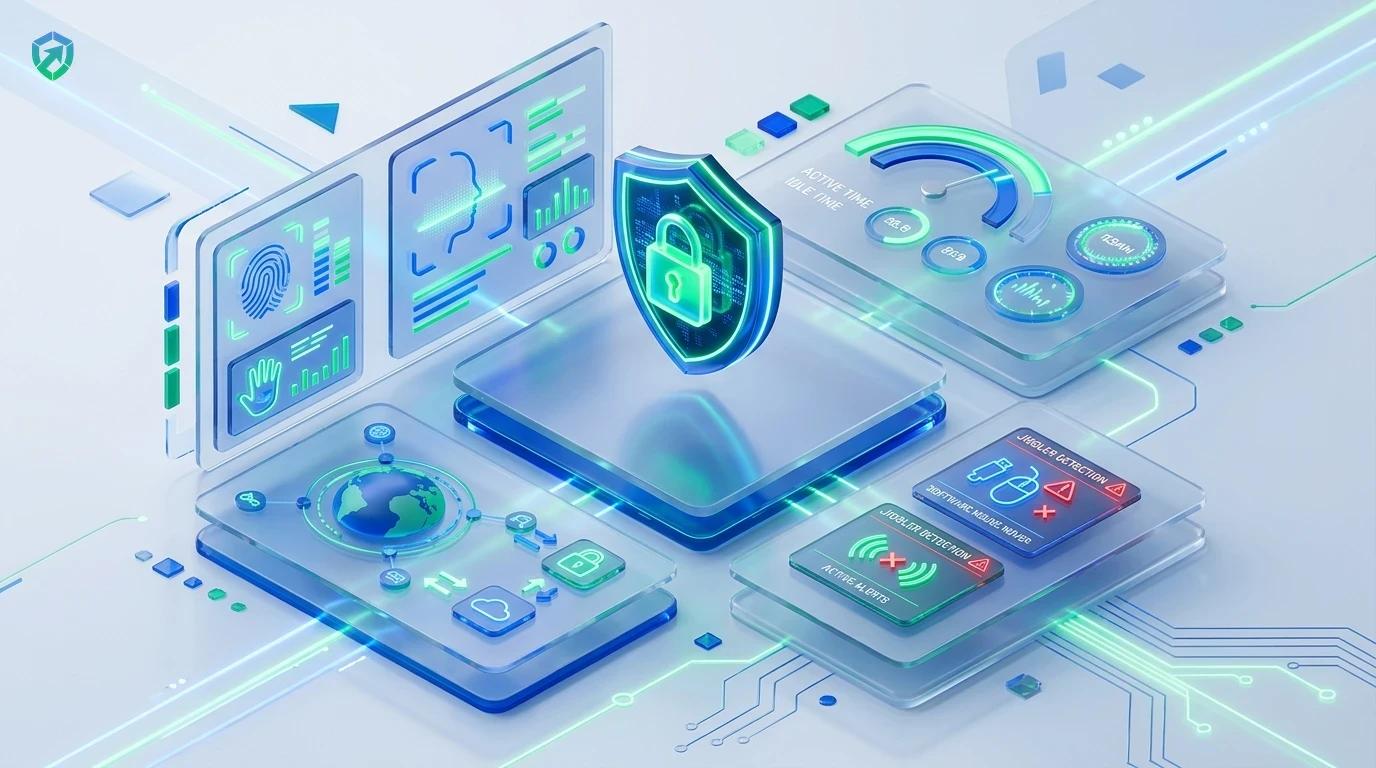
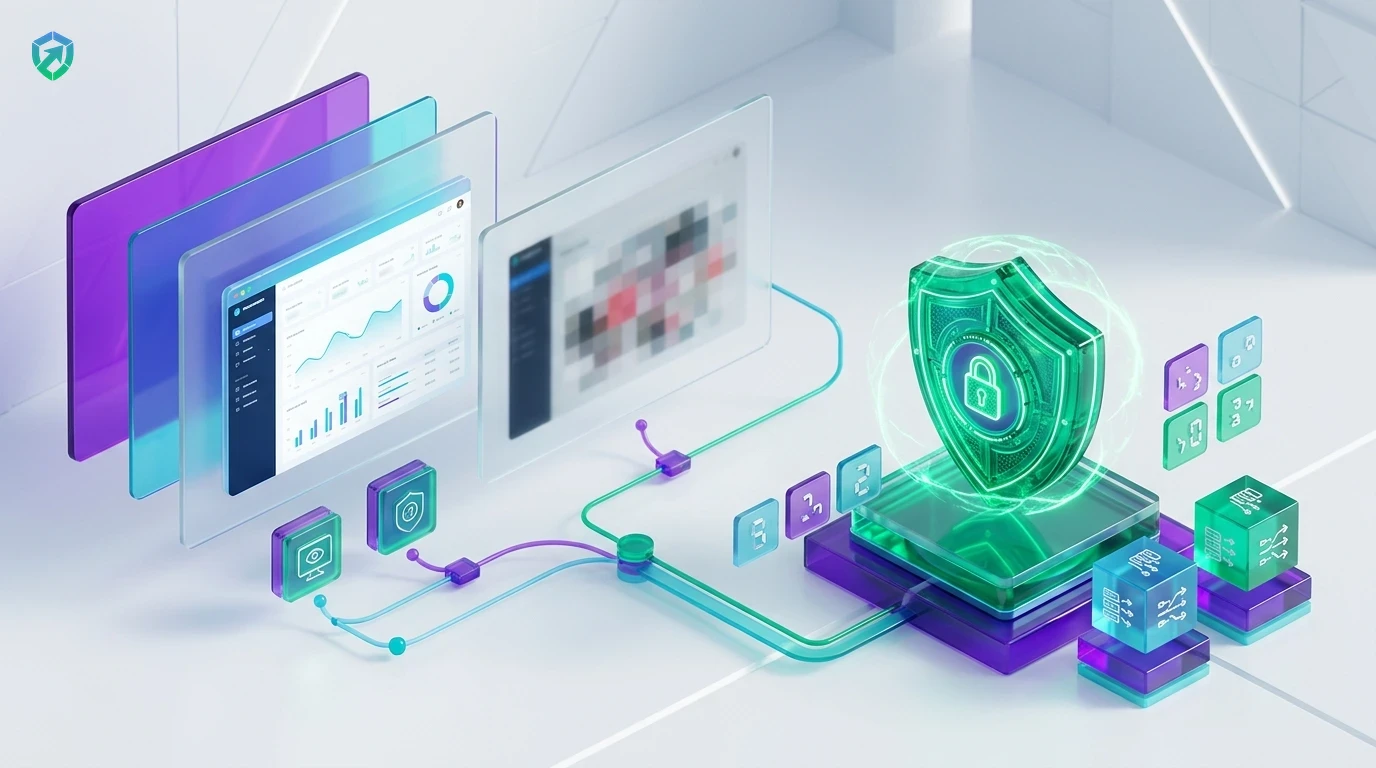
Separate Productive Tooling From Distracting Web Browsing
Different job roles require different software tools. Tracknesty enables managers to categorize applications and URLs into productive, neutral, and unproductive buckets customized by department.
- Full URL-Level Tracking: Inspect active browser page titles using employee app and URL tracking.
- Window Focus Detection: Only log the program the employee is actively clicking in, ignoring background videos.
- Automated Timesheet Export: Feed verified active hours directly into employee timesheet software.
Stop Paying for Fake Mouse Wiggles with AI Anti-Bypass Protection
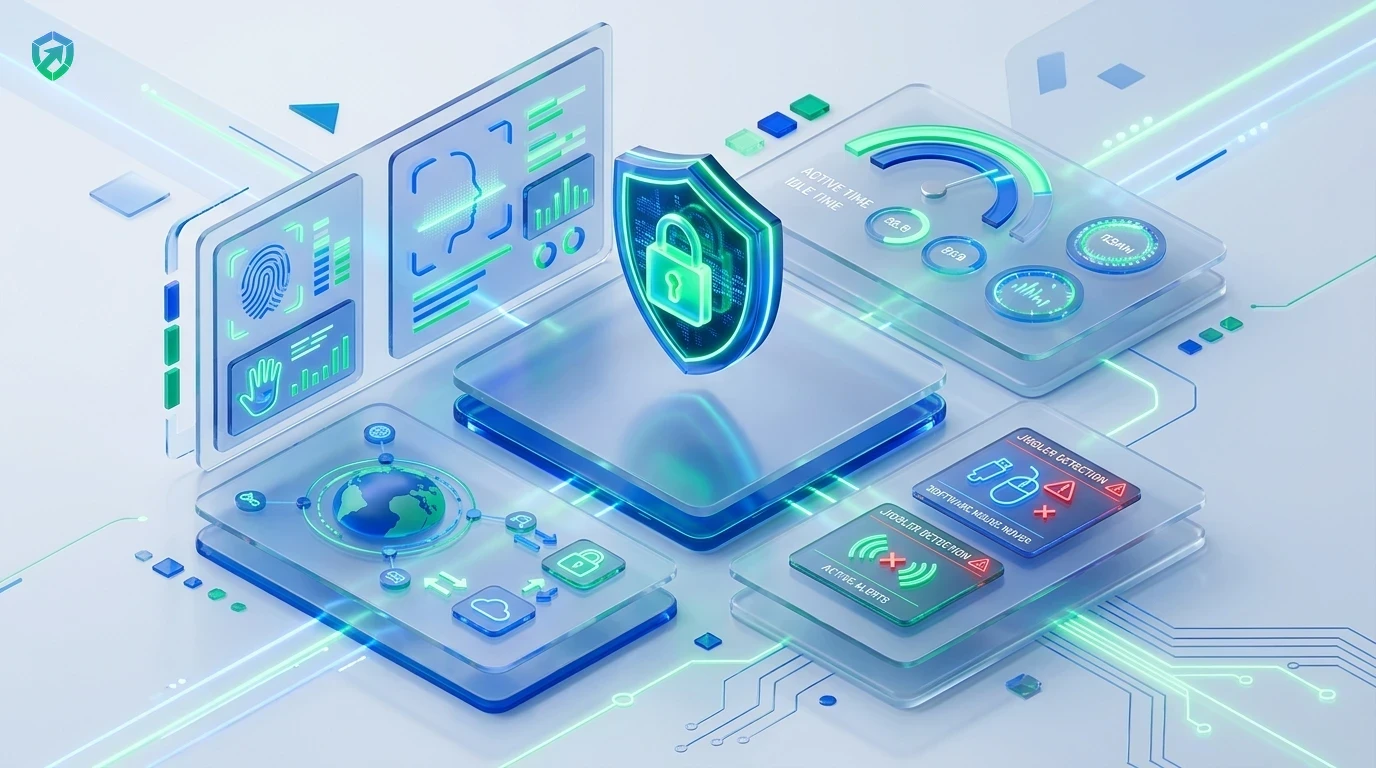
Cheap software tricks like physical mouse jigglers, virtual machine spoofing, and auto-clicker scripts fool basic timers. Tracknesty incorporates heuristic algorithms that detect mechanical mouse patterns in real-time.
- Heuristic Pattern Recognition: Identify robotic linear mouse sweeps vs natural human curves with anti-bypass protection.
- Hardware USB Jiggler Alerts: Detect synthetic HID mouse emulators and notify managers automatically.
- Auto-Pause Idle Intervals: Protect client budgets with automated idle time tracking software.
Simple 4-Step Transparent Monitoring Setup
Deploy enterprise monitoring across global remote teams in under 3 minutes with zero IT friction.
Quick Install
Employees download the lightweight desktop agent on Windows or Mac in 60 seconds.
Transparent Start
Team member starts the timer. The visible tray icon confirms monitoring is active.
Smart Capture
Agent logs app titles, activity velocity, and randomized screenshots without keylogging.
Executive KPIs
Managers review live streams, timesheets, and capacity trends via workforce analytics.
Tracknesty Privacy-First vs Invasive Workplace Spyware
See how Tracknesty delivers deeper operational visibility while protecting company culture and employee dignity.
| Monitoring Capability | Tracknesty Transparent Suite | Invasive Workplace Spyware | Basic Time Timers |
|---|---|---|---|
| Monitoring Philosophy | 100% Transparent; visible tray widget | Stealth hidden process; covert spyware | Self-reported manual honesty |
| Keystroke Recording | Zero keylogging; activity velocity % only | Raw character logging (steals passwords) | None |
| Webcam & Audio Snooping | Never; strictly zero camera/mic capture | Random photo & mic recording | None |
| Anti-Jiggler AI Defense | Heuristic AI detects synthetic mouse arcs | Easily tricked by USB dongles | None — clock ticks unmonitored |
| Live Screen Streaming | Built-in low-latency live screen stream | Choppy delayed periodic snapshots | None |
| Employee Self-Review | Employees inspect own logs & timesheets | Manager-only secret surveillance portal | Limited self reports |
| Starting Price | $5.00 / user / month (all inclusive) | $15.00 – $30.00 / user / month | $8.00 – $12.00 / user / month |
Employee Monitoring Built for High-Trust Organizations
Learn how leading remote companies, call centers, and agencies deploy Tracknesty to eliminate bottlenecks.
Build Asynchronous Accountability Without Meetings
Replace daily “check-in” calls with transparent dashboard clarity. With our remote workforce software, leaders supervise global teams across continents with total peace of mind.
Supervise Live Workstations & Queue Resolution
Ensure support desks maintain high responsiveness during peak volume. With time tracking for BPO, team leads assist struggling agents in real time through live screen streams.
Provide Undisputed Deliverable Proof to Retainer Clients
Protect client margins with time tracking for marketing agencies. Share automated screenshot proofs and verified billable hours directly with clients.
Protect Uninterrupted Deep Focus & Coding Blocks
Measure genuine focus velocity with time tracking for software development, helping engineering managers protect sprint focus from meeting overload.
Frequently Asked Questions About Employee Monitoring Software
Everything you need to know about employee monitoring compliance, privacy protection, and agent architecture.
How does employee monitoring software work without invading privacy?
Tracknesty operates strictly on an open-transparency model. Employees have full visibility into when the agent is tracking via a desktop tray indicator. It only logs activity when the work timer is active, never tracks personal webcam feeds or passwords, and allows private breaks with instant pause.
Can Tracknesty employee monitoring software catch mouse jigglers and bots?
Yes! Tracknesty includes heuristic anti-bypass algorithms that detect repetitive mechanical mouse trajectories, software auto-clickers, and hardware jigglers in real-time, alerting managers immediately.
What features are included in this employee monitoring software?
Tracknesty combines automated employee time tracking, randomized screenshot captures, real-time live screen monitoring, active desktop app tracking, and employee website monitoring in one unified dashboard.
Is employee monitoring software legal for remote workforces?
Yes. When used transparently with clear company policies on company-paid work hours, employee monitoring software is legal and widely adopted worldwide. Tracknesty conforms to GDPR and SOC 2 security standards.
Does Tracknesty log private passwords or confidential keystrokes?
Never. Tracknesty is 100% keylogger-free. It records activity velocity percentages (how active keyboard and mouse inputs were) rather than the actual characters typed. Passwords, credit cards, and confidential messages remain completely private.
Can employees review their own monitored data?
Yes! Tracknesty promotes open self-management. Team members can inspect their own daily timesheets, activity scores, app usage breakdown, and captured screenshots, fostering high mutual trust.
What is the impact on computer performance and battery life?
The Tracknesty background desktop agent is engineered in lightweight native code, consuming less than 1% CPU overhead and negligible RAM, ensuring laptops remain cool and responsive.
How much does Tracknesty employee monitoring software cost?
Tracknesty costs just $5 per user per month (or $4.17/mo billed annually) with all monitoring, live screen streaming, app tracking, and timesheet capabilities fully included.
Try Fair Employee Monitoring Software Today
Empower your managers with actionable desktop proof while keeping your team motivated, respected, and 100% in control of their private breaks.