Idle Time Tracking Software for Modern Teams
Stop paying for coffee runs, phone breaks, and forgotten timers. Tracknesty senses when a computer is inactive and pauses tracking automatically so your timesheets are always 100% honest.
Everything You Need to Track Idle Time Fairly
Protect your payroll budget while treating employees with complete respect and clarity.
Automatic Inactivity Sensing
If a team member steps away to get lunch or coffee, Tracknesty senses the stillness and pauses the timer automatically. No more forgotten running clocks with employee time tracking.
Friendly Return Prompt
When the user comes back, a simple pop-up asks if they were doing offline work like a phone meeting. They can keep the time with a note or discard it via employee timesheet software.
Custom Idle Timeout Limits
Set the exact inactivity threshold your company prefers — 3, 5, 10, or 20 minutes. Apply different rules for developers, writers, or support staff in time reports.
Anti-Mouse Jiggler Defense
Stop fake activity tools. Tracknesty detects hardware and software mouse jigglers that artificially wiggle the cursor to fake being busy using anti-bypass protection.
Attendance & Shift Alignment
Sync active task time with shift check-ins and break schedules to maintain honest attendance logs in attendance tracking software and calculate payroll via automated payroll.
Encrypted Cloud Activity Vault
Retain tamper-proof activity logs, idle timeout events, and offline justifications safely archived inside team cloud storage.
Productive work is more than just rapid mouse movement. If an employee was reading a technical manual, reviewing an architectural diagram, or taking a client call away from their desk, they can keep that time with a single tap and a brief description. For supervisors verifying remote deliverable quality in real time, TrackNesty's live screen monitoring software enables quick check-ins without disruptive micromanagement.
Set Custom Inactivity Timeouts (3, 5, or 10 Minutes)
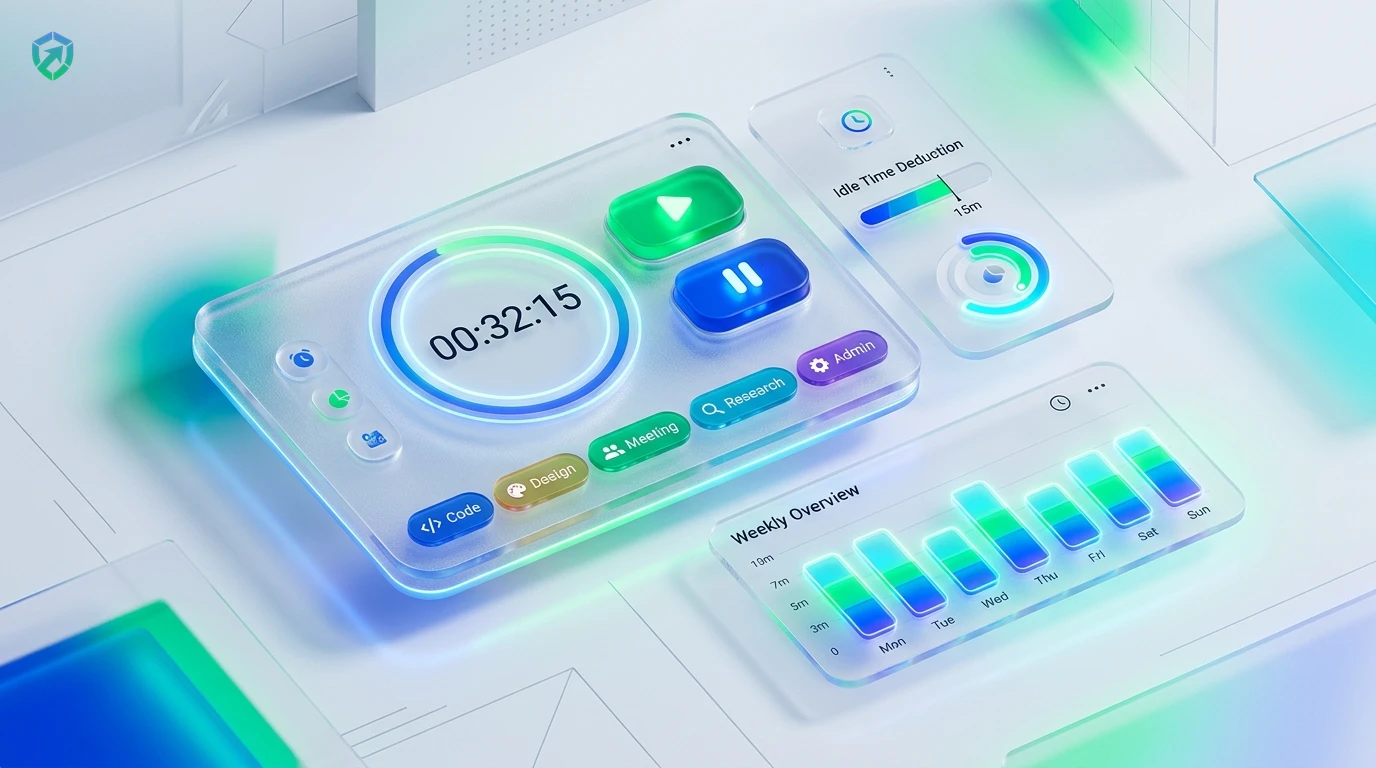
Every team works differently. With Tracknesty, managers can choose how many minutes of keyboard and mouse inactivity trigger an idle pause.
- Flexible Timeout Windows: Choose 3, 5, 10, 15, or 20-minute inactivity thresholds per department.
- Project-Specific Rules: Set distinct idle rules for developers vs sales agents in project time tracking.
- Silent Background Pausing: Timers halt cleanly without freezing browser windows or interrupting unsaved code.
See Real Active Work vs. Idle Time in Every Report
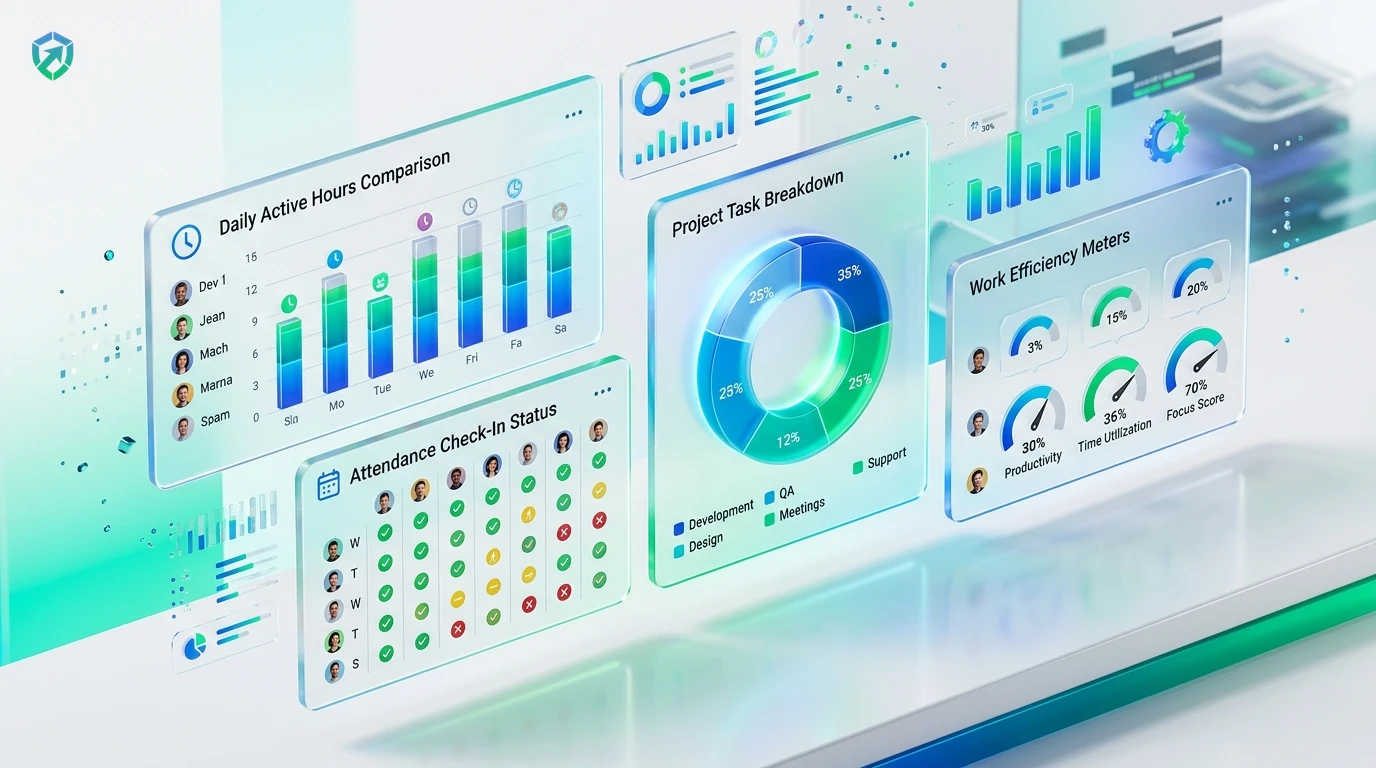
Get a crystal-clear picture of team productivity. Tracknesty separates active work hours from break times so both managers and clients see genuine work logs.
- Color-Coded Timelines: View active work hours (green) and detected idle pauses (amber) inside time reports.
- Dispute-Free Invoicing: Ensure client invoices in time tracking and invoicing software contain only verified labor hours.
- Screenshot Verifications: Review work context with optional snapshots from our time tracker with screenshots.
Anti-Mouse Jiggler Defense & Activity Verification
Traditional timers get fooled by basic mechanical jigglers and automated virtual loops. Tracknesty identifies unnatural repetitive motions and pauses false timers automatically.
- Hardware USB Detection: Flag simulated mouse movements and virtual cursor scripts via anti-bypass protection.
- Accurate Payroll Protection: Prevent inflated labor costs from reaching automated payroll.
- Encrypted History: Maintain compliance-ready audit trails securely inside team cloud storage.

4-Step Inactivity Detection & Reconciliation Cycle
From initial silence detection to approved, dispute-free timesheets.
Inactivity Sensing
Desktop app monitors keyboard and mouse input; timer pauses when inactivity exceeds threshold.
Return Prompt
Upon returning, employee chooses to discard idle time or log offline work with a brief note.
Timesheet Sync
Verified active hours push to timesheets with clear visual demarcation of pauses.
Dispute-Free Pay
Clients and payroll review genuine work hours with zero guesswork or inflated invoices.
Tracknesty vs Basic Timers vs Creepy Spy Software
See why high-performing remote teams choose Tracknesty for balanced, honest time tracking.
| Idle Tracking Capability | Tracknesty Idle Tracker | Basic Stopwatch Timers | Creepy Spy Software |
|---|---|---|---|
| Inactivity Sensing | Auto-pauses on keyboard/mouse stillness in real time | Runs endlessly overnight if someone forgets to stop | Intrusive covert spying, webcam shots, keystroke recording |
| Fair Return Prompt | Prompts employee to keep offline call/meeting time | No prompt or offline work recovery options | Silently deletes hours without asking employee |
| Anti-Mouse Jiggler Defense | Flags robotic auto-clickers and hardware USB jigglers | Completely tricked by mechanical or software jigglers | Blocks legitimate software tools and creates false alarms |
| Employee Transparency | Employees have 100% visibility into their own idle logs | No logs or analytics saved anywhere | Secret manager-only dashboards creating a toxic culture |
| Client Invoicing Protection | Only verified active hours push to client invoices | Inflated hours lead to client disputes and lost accounts | Complex raw logs requiring hours of manual scrubbing |
| Audit Trail & Cloud Archive | Tamper-evident logs archived in team cloud storage | Zero audit trail; no proof of compliance | Data stored insecurely with vague retention policies |
| Pricing per Member | $5.00 / user / month (all features included) | Free, but costs thousands in false payroll hours | $15.00 to $30.00 / user / month |
Engineered for Fair and Transparent Workforce Operations
See how developers, contact centers, and creative teams stay accountable with Tracknesty.
Deep Focus Time & Architecture Reviews
Developers frequently read complex documentation or plan schemas away from the keyboard. The return prompt ensures valid contemplation time is preserved with time tracking for software development.
Agent Shift Adherence & Break Compliance
Maintain tight shift compliance and eliminate phantom agent hours across global customer support queues using time tracking for BPOs.
Client Strategy Calls & Creative Sprints
Effortlessly classify strategy phone calls as billable client time while preventing unbilled coffee breaks from inflating client invoices in time tracking for marketing agencies.
Asynchronous Accountability & Trust
Build an honest, micromanagement-free company culture where teammates are judged on real output rather than fake computer activity with remote workforce software.
Frequently Asked Questions About Idle Time Tracking
Everything you need to know about inactivity sensing, auto-pausing, and anti-jiggler defense.
What is idle time in Tracknesty and how is it detected?
Idle time is any period where there is zero keyboard or mouse activity on the computer. When someone walks away from their desk, Tracknesty detects it and pauses the working timer automatically.
Can I choose how many minutes before the timer pauses?
Yes! You can set the idle timeout threshold to 3, 5, 10, 15, or 20 minutes. If no keys or mouse clicks happen within that window, the timer stops automatically.
What happens if an employee was reading or on a client call?
When the employee returns to the computer, a friendly prompt asks if that time was for work (like reading documentation or taking a client call). They can choose to keep the time with a short explanation or discard it.
Does Tracknesty detect fake mouse jigglers and auto-clickers?
Yes! Tracknesty has built-in anti-bypass intelligence that identifies repetitive, robotic mouse movements and USB hardware jigglers so timesheets stay 100% genuine.
Can employees view their own idle logs and daily timelines?
Yes! Tracknesty champions mutual trust. Employees have complete access to their own daily activity timelines, break durations, and idle records.
How does live screen monitoring assist idle verification?
Supervisors can view active employee screens in real time via live screen monitoring to provide immediate feedback and verify active project collaboration.
Does idle tracking function when an employee works offline?
Yes! Desktop timers and idle detectors work locally on the machine. As soon as internet connectivity returns, active and idle intervals sync to the cloud database.
How much does Tracknesty idle time tracking cost?
Tracknesty starts at just $5 per user per month (or $4.17/mo billed yearly). Idle detection, screenshot capture, timesheets, and attendance are all included with a 7-day free trial.
Pay Only for Real, Honest Work Hours
Experience automatic inactivity sensing, custom idle thresholds, and 100% accurate timesheets with Tracknesty.