Time Report Softwarefor Teams & Clients
No more messy spreadsheets or guessing work hours. Tracknesty creates clean daily and weekly time reports automatically. Download PDF and Excel summaries in one click.
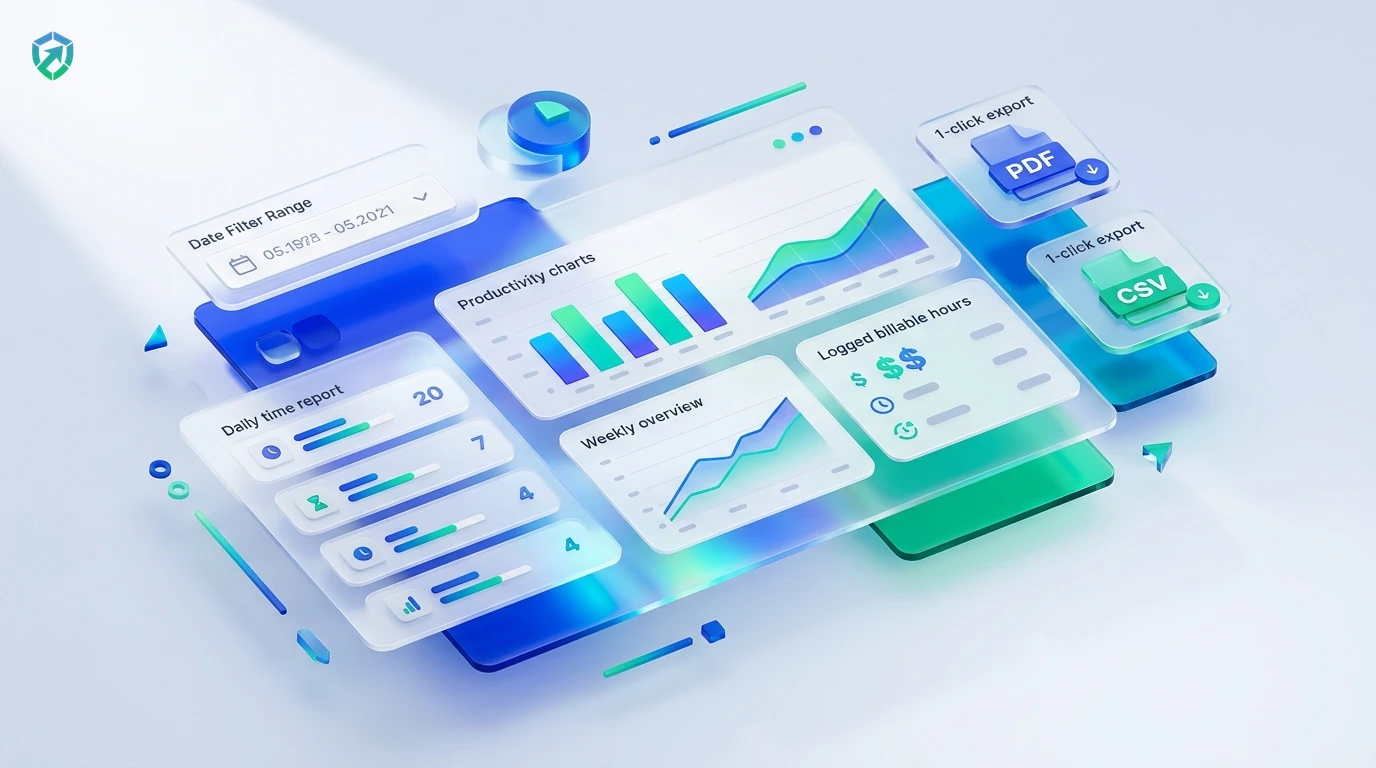
Everything You Need in a Work Time Report
Track daily work time, see project totals, and share clear reports with your clients and accountant in seconds.
Daily & Weekly Time Summaries
Stop collecting hours on paper. Tracknesty creates ready-to-read daily and weekly work summaries showing exactly who worked and when with employee time tracking.
1-Click PDF & Excel Downloads
Download clean, beautiful PDF reports or CSV spreadsheets in seconds. Share them with clients for billing or pass them to payroll via employee timesheet software.
Project & Task Breakdown
See hours sorted by client, project, or task. Know which projects are making you money and which tasks take more time using project time tracking.
Accurate Attendance & Overtime
No more arguing over hours. See exact start times, finish times, and overtime totals clearly for error-free compensation with attendance tracking software.
Client Invoicing & Payroll Sync
Connect approved time report hours directly to client billing through time tracking and invoicing software and calculate wages with automated payroll.
Tamper-Evident Anti-Bypass Defense
Ensure time report hours represent genuine human productivity. Tracknesty flags USB mouse jigglers and simulated loops using anti-bypass protection.
Good teams run on transparency. In Tracknesty, employees see the exact same time reports as their managers. There are no secret records, no invasive webcam snooping, and zero surprises on payday. For managers reviewing active deliverable workflows, TrackNesty's live screen monitoring software provides real-time supervisor verification with complete employee consent.
Download Clean PDF Time Reports in 1 Click
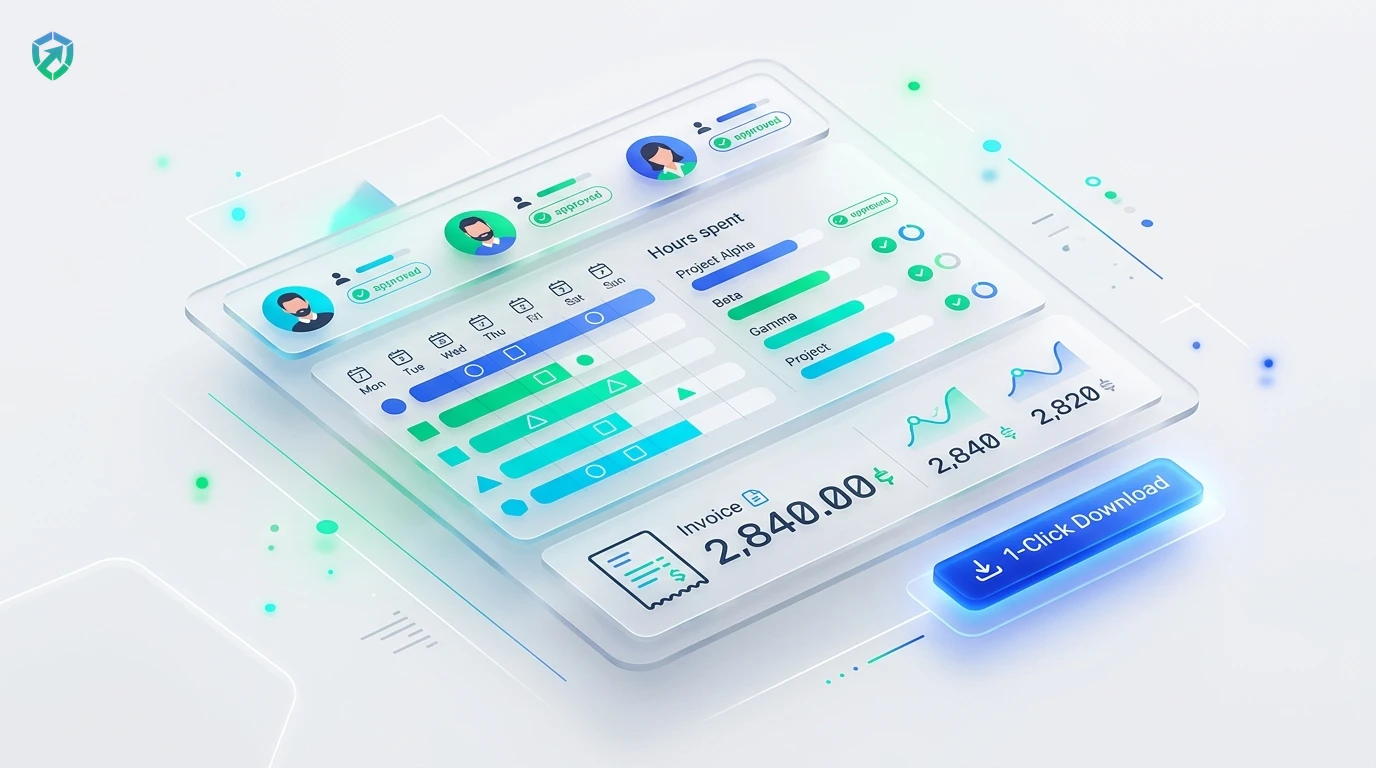
Managers do not need to spend hours designing tables or copying data into Excel. Tracknesty gives you finished, professional reports formatted for clients and payroll.
- Branded PDF Reports: Download clean PDF files with your company name and logo ready for client review.
- CSV & Excel Formats: Export CSV spreadsheets for quick import into QuickBooks, Xero, or custom databases.
- Billing Synchronization: Direct totals sync with time tracking and invoicing software for rapid payment turnaround.
See Total Team Work Hours & Activity Breakdown
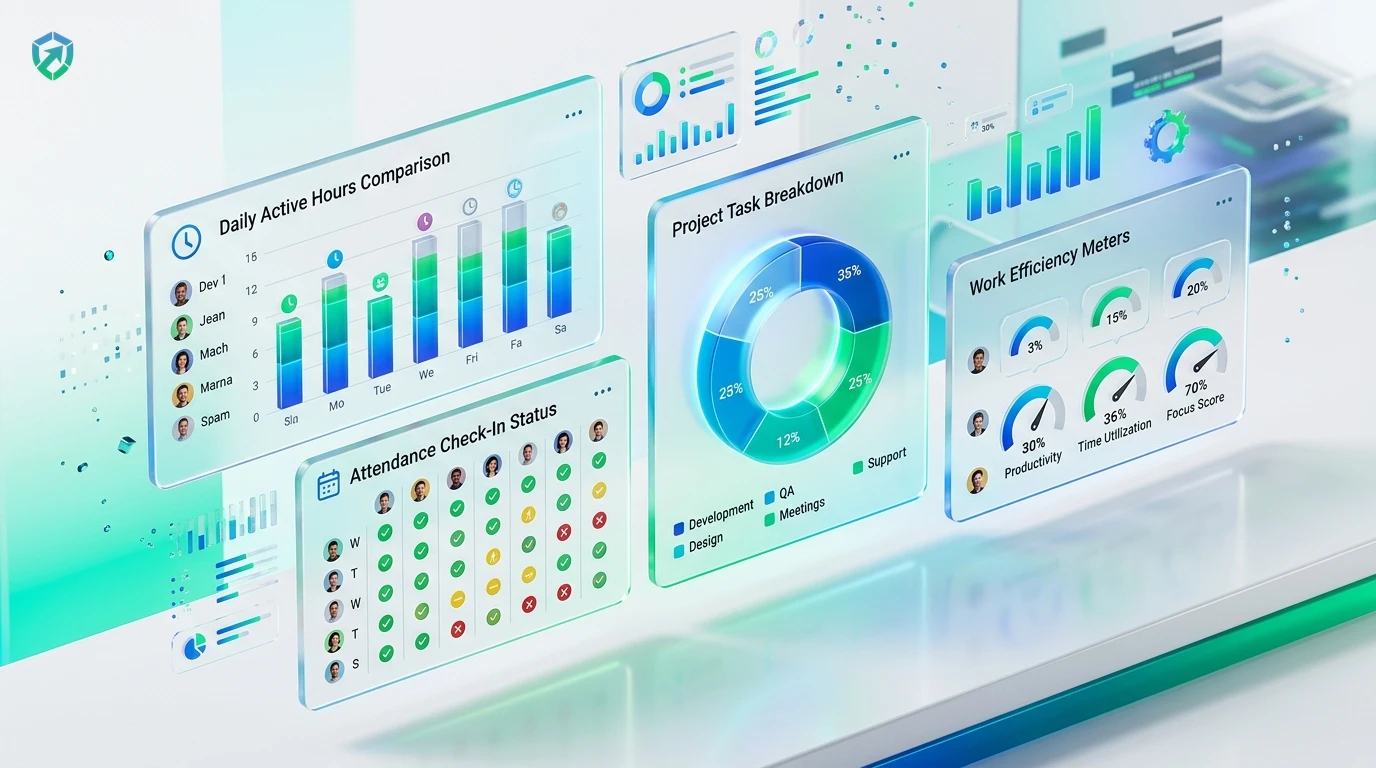
Get a clear picture of how work gets done. Visual charts show active work hours, project task distribution, and attendance check-ins at a glance.
- Department Comparisons: Compare daily active hours across team members with intuitive bar charts in workforce analytics.
- Task Category Distribution: Visual donut charts display time spent on Development, Client Revisions, and Team Meetings.
- Screenshot Verifications: Attach optional activity receipts from our time tracker with screenshots.
Automated Timesheet Approval & Direct Payroll Sync
Transform raw time report entries into verified wage disbursements. Tracknesty connects approved timesheets to automated compensation calculations.
- Attendance Auditing: Check daily attendance status (Present, Late, Half-day, Absent) via attendance tracking software.
- Timesheet Approvals: Managers review and approve weekly timesheets with 1 click using employee timesheet software.
- Automated Payroll Disbursal: Transfer approved regular and overtime hours directly to automated payroll.
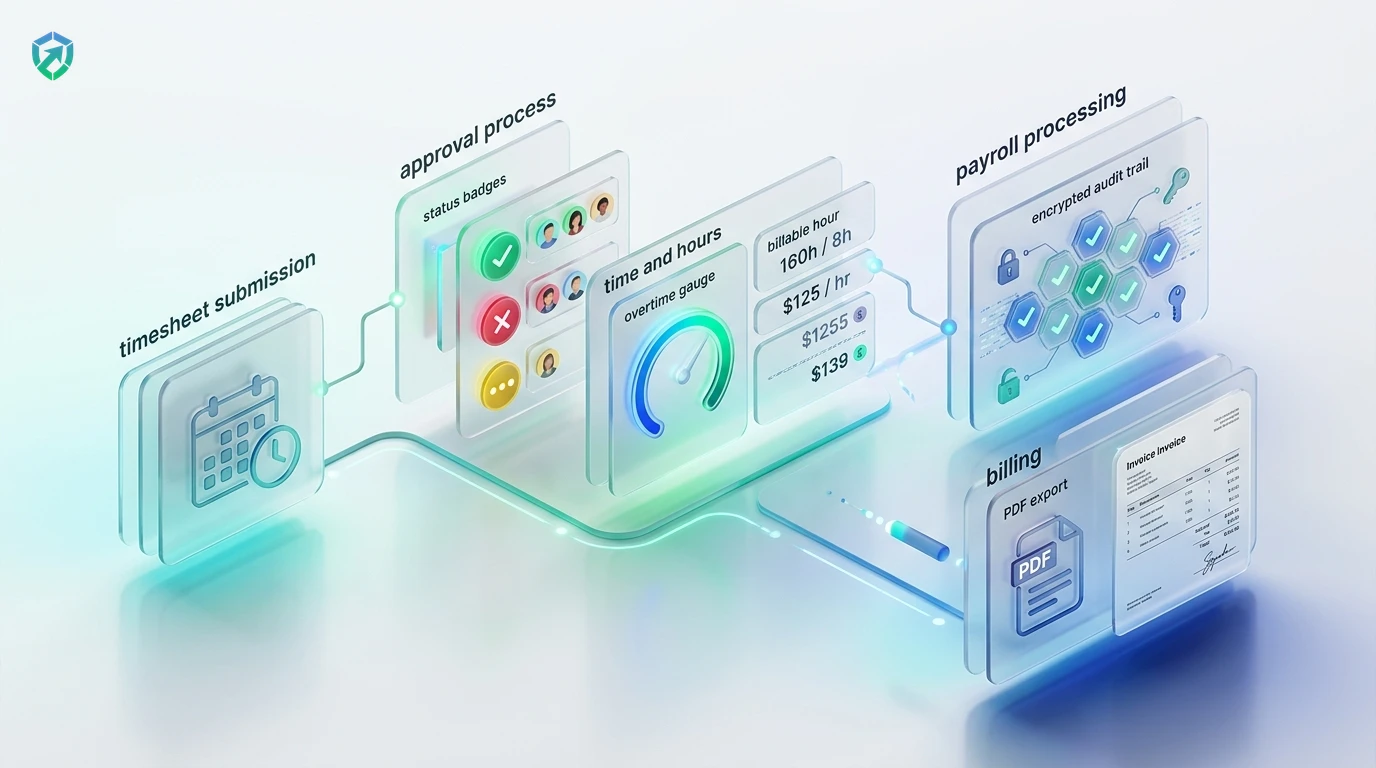
4-Step Time Reporting & Analytics Pipeline
From initial desktop time tracking to verified client report delivery.
Silent Capture
Staff track tasks via desktop tray; breaks and idle intervals pause automatically.
Report Aggregation
Tracknesty categorizes hours by employee, project, task, and billable status in real time.
Timesheet Approval
Supervisors review weekly totals, audit overtime thresholds, and sign off in 1 click.
Export & Disburse
Export verified PDF summaries to clients and dispatch payroll through automated payout rails.
Tracknesty vs Excel Sheets vs Legacy Enterprise Tools
See why high-growth companies switch to Tracknesty for automated time reporting.
| Time Reporting Capability | Tracknesty Time Reports | Excel / Google Sheets | Old Expensive Tools |
|---|---|---|---|
| Report Generation | 100% Automatic in real time from desktop timers | Typing numbers manually from memory; hours lost | Slow, complex filters with cumbersome manual refreshes |
| 1-Click PDF & CSV Downloads | Clean, branded PDF & CSV reports formatted in 1 click | Broken print ranges, misaligned columns, ugly files | Additional software fees for custom PDF export engines |
| Break & Idle Time Tracking | Pauses automatically on inactivity; honest active logs | No proof of actual work; honor system guessing | Basic mouse jitter tracking without heuristic defense |
| Project Cost Summaries | Real-time billable dollar totals & budget burndown | Spreadsheet formula errors that damage agency profits | Included on expensive enterprise tiers only |
| Proof of Work Backing | Optional screenshot receipts & task progress milestones | Zero proof attached; clients frequently dispute invoices | Invasive keystroke recording without employee privacy |
| Tax & Compliance Cloud Archive | Encrypted permanent cloud archive in team cloud storage | Scattered files on hard drives prone to data loss | Basic history deleted after 30 to 90 days unless upgraded |
| Pricing per Member | $5.00 / user / month (all features included) | Hidden cost of manual spreadsheet admin & missed billing | $15.00 to $30.00 / user / month |
Engineered for Cross-Functional Business Operations
See how agencies, software engineers, and remote teams rely on Tracknesty reports.
Retainer Pacing & Billable Realization
Deliver clean monthly hours reports to retainer clients and prevent scope creep with time tracking for marketing agencies.
Sprint Velocity & Engineering Burndown
Track engineering hours across GitHub tasks, pull requests, and bug tickets with time tracking for software development.
Shift Attendance & Schedule Adherence
Generate granular shift attendance and break compliance reports for hundreds of agents with time tracking for BPOs.
Asynchronous Trust & Output Visibility
Give distributed teammates full visibility into their logged hours and eliminate micromanagement using remote workforce software.
Frequently Asked Questions About Time Reports
Everything you need to know about automated time reporting, PDF downloads, and payroll synchronization.
How does Tracknesty create my time report automatically?
Tracknesty records work hours silently in the background while your team works. At the end of the day or week, it organizes total hours, projects worked on, and breaks into clean reports automatically.
Can I filter time reports by date, team member, or project?
Yes! You can pick any date range (today, this week, this month, or custom dates). You can also filter reports to see one specific employee, a department, or a single client project.
Can I download time reports to send to clients or accounting?
Yes! In one click, you can download clean, professional PDF or Excel spreadsheets that show total hours, billable amounts, and finished tasks ready to send to clients.
Does the time report include attendance and overtime?
Yes! Tracknesty shows exact check-in times, check-out times, break durations, and automatically highlights overtime hours so payroll is 100% accurate.
Can time reports distinguish billable client hours from internal meetings?
Yes! Tracknesty breaks out billable project milestones from non-billable company overhead so managers can track true operational efficiency.
How does live screen monitoring complement time reporting?
Supervisors can view active employee screens in real time via live screen monitoring to verify task progress without interrupting team concentration.
Does time reporting record activity when employees work offline?
Yes! Work sessions and task notes are stored securely on the local computer. As soon as internet connectivity returns, time reports update automatically.
How much does Tracknesty time report software cost?
Tracknesty costs only $5 per member each month (or $4.17/mo if paid yearly). All time report features, PDF downloads, and attendance tracking are included with a 7-day free trial.
Get Clear, Honest Time Reports Starting Today
Experience automatic time reports, 1-click PDF exports, and easy client billing with Tracknesty.