Employee Monitoring Software for Modern Teams
See who is working, what apps they use, and how projects progress without creepy surveillance. Tracknesty gives managers total clarity while keeping complete trust with employees.
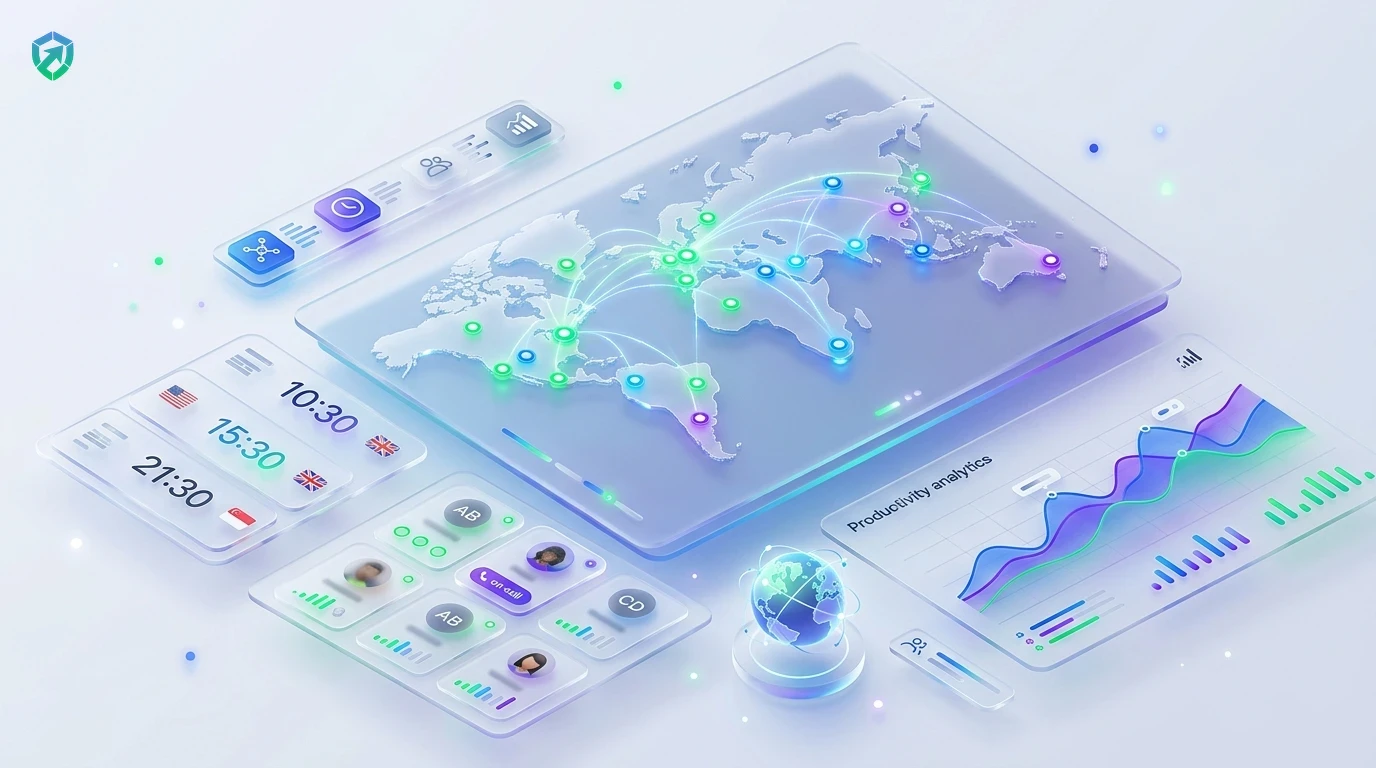
Everything You Need to Manage Team Productivity
Track real work hours, celebrate top contributors, and protect company time without micromanagement.
Live Team Status Dashboard
See who is currently working, who is taking a break, and who is finished for the day with attendance tracking software. Perfect for distributed teams.
App & Website Activity Tracking
Know where work hours actually go. View clear reports showing time spent in design apps, coding tools, spreadsheets, and web research with employee app monitoring.
Privacy-Friendly Screen Capture
Capture occasional screenshots at fixed or random intervals. Enable automatic blur mode so sensitive client passwords stay private in our time tracker with screenshots.
Anti-Bypass & Jiggler Defense
Protect company payroll from fake activity. Tracknesty flags auto-clickers and mechanical mouse jigglers so you only pay for real effort via anti-bypass protection.
Automated Timesheet & Payroll Sync
Push verified active hours directly into weekly timesheets in employee timesheet software and calculate compensation with automated payroll.
Encrypted Cloud Activity Vault
Maintain a permanent, tamper-evident audit trail of work hours, app usage, and client project logs securely archived inside team cloud storage.
Monitoring shouldn’t create fear. High-performing employees appreciate Tracknesty because it proves how hard they work, provides undeniable proof when clients question hours, and eliminates unfair blame. For live visual verification of urgent milestones, TrackNesty's live screen monitoring software provides managers with real-time desktop transparency while maintaining complete employee consent.
Privacy-First Monitoring That Employees Actually Like
Nobody likes sneaky spy tools. Tracknesty is built to be open and respectful. Employees know exactly when tracking is on and can inspect their own logs anytime.
- No Invasive Snooping: Zero secret keylogging, webcam snapshots, or private message eavesdropping.
- Automated Blur Filters: Blur mode keeps sensitive client passwords, credit cards, and confidential text protected.
- Self-Audit Controls: Employees can delete accidental screenshots taken during personal break periods in employee time tracking.
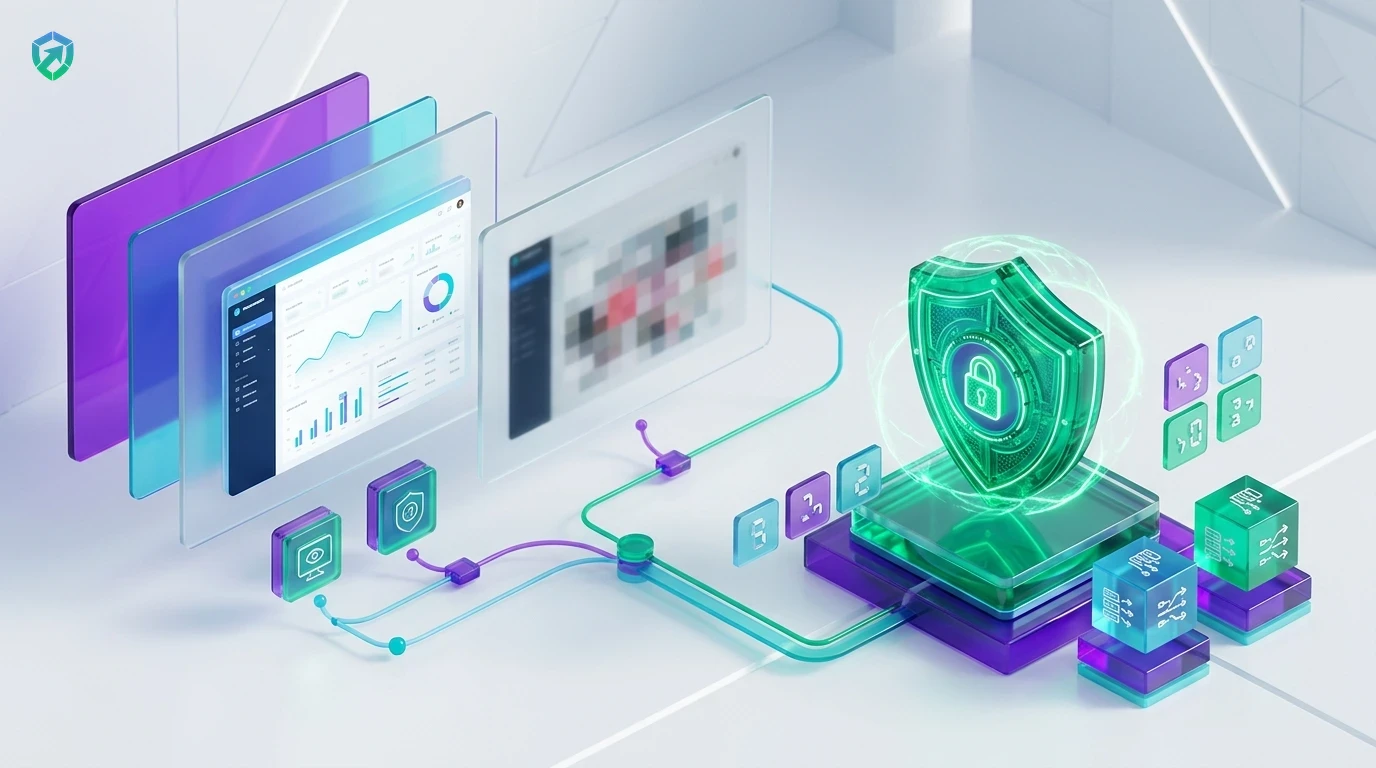
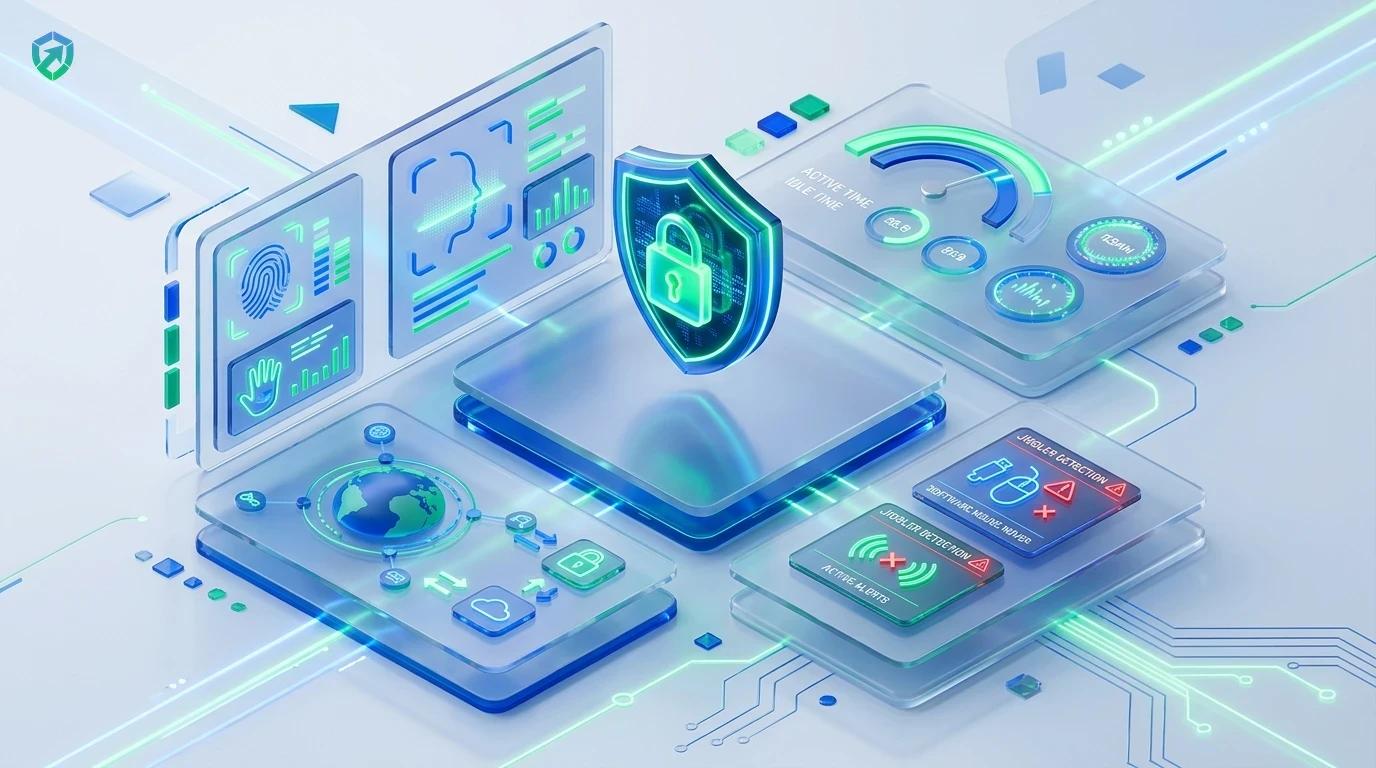
Real-Time Live Dashboard & Team Status Visibility
Managers can see who is online right now, which tasks are being worked on, and detect unnatural activity patterns like mouse jigglers.
- Live Status Badges: View active, idle, or offline team members at a glance in attendance tracking software.
- App & URL Analytics: Audit time spent on Jira, Figma, GitHub, and client tools via employee app monitoring.
- Client Billing Proof: Export verified activity summaries for time tracking and invoicing software.
Mouse Jiggler Detection & Anti-Bypass Intelligence
Traditional monitoring tools get fooled by hardware USB dongles, optical spinners, and virtual scripts. Tracknesty flags mechanical patterns to ensure payroll stays 100% genuine.
- Hardware & Software Detection: Flag simulated cursor loops and auto-clickers via anti-bypass protection.
- Idle Inactivity Sensing: Auto-pause timers when workstations are unattended using idle time tracking software.
- Cloud Audit Vault: Safely archive compliance logs inside team cloud storage.
4-Step Employee Monitoring & Transparency Pipeline
From initial desktop time tracking to verified client report delivery.
Light Desktop App
Team members launch the desktop client; timers start with 1 click and idle pauses automatically.
Live Telemetry
Active software, websites, and productivity ratios aggregate in real time on the supervisor board.
Verified Proof
Screenshots with optional blur mode and jiggler defenses produce tamper-evident work records.
Timesheet Sync
Approved active hours route to payroll and client invoicing with zero manual spreadsheet math.
Tracknesty vs Old Creepy Spyware vs Zero Monitoring
See why modern companies choose Tracknesty for fair, healthy team visibility.
| Monitoring Capability | Tracknesty Monitoring | Old Creepy Spyware | Zero Monitoring |
|---|---|---|---|
| Employee Transparency | 100% Transparent; employees view their own logs anytime | Secret, hidden spying that destroys workforce morale | Constant guessing, anxiety, and micromanagement |
| Webcam & Audio Recording | Never recorded; strict privacy-first architecture | Invasive webcam snapshots and audio eavesdropping | Private, but zero proof of output or deliverables |
| App & Website Tracking | Clear categorization of work apps vs unproductive sites | Steals personal passwords, credit cards, and chats | No visibility into team software usage or bottlenecks |
| Anti-Bypass Intelligence | Heuristic detection of mouse jigglers and auto-clickers | Easily tricked by basic USB hardware dongles | Zero defense against fraudulent payroll hours |
| Inactivity & Idle Detection | Auto-pauses on inactivity with return prompt for calls | Deletes time automatically without checking with staff | Timers run endlessly resulting in false billing |
| Client Invoicing Integration | 1-Click PDF invoices backed by undeniable proof of work | Raw surveillance logs unsuitable for client presentation | Clients frequently dispute hours and delay payments |
| Monthly Price per User | $5.00 / user / month (all features included) | $20.00 to $45.00 / user / month | Massive hidden costs in lost billable revenue |
Engineered for High-Trust Workforce Operations
See how engineering squads, BPOs, and digital agencies maintain high standards with Tracknesty.
Sprint Focus & Code Velocity
Engineers work in deep concentration. Tracknesty provides visibility into developer IDE hours and sprint allocations without distracting alerts using time tracking for software development.
Shift Attendance & Queue Adherence
Ensure support agents adhere to assigned shifts and break schedules while preventing ghost hours across international queues via time tracking for BPOs.
Client Retainer Hours & Proof of Work
Back up retainer billable hours with clean app summaries in Figma, Photoshop, and Meta Ads to eliminate client pushback in time tracking for marketing agencies.
Asynchronous Accountability & Trust
Replace micro-interruption with asynchronous transparency. Remote teammates work flexibly across time zones while managers stay informed via remote workforce software.
Frequently Asked Questions About Employee Monitoring
Everything you need to know about privacy, app tracking, and anti-bypass security.
Does Tracknesty spy on webcams or record private keystrokes?
No, never. Tracknesty believes in trust. We do not record webcams, listen to microphones, or log private passwords. We only track work hours, active work applications, and optional work screenshots.
What kind of work activity does Tracknesty monitor?
Tracknesty records the names of work programs opened (like Figma, VS Code, or Excel) and website titles. It also tracks active work time versus break time so everyone knows how work hours are spent.
Can employees see their own monitoring records?
Yes! Everything is 100% transparent. Team members can view their own logged hours, application lists, and screenshots anytime. There are no hidden files or secret tracking.
Can Tracknesty detect fake mouse jigglers and auto-clickers?
Yes! Tracknesty has built-in smart filters that catch robotic mouse movements and auto-clickers. This ensures managers only pay for honest, real work time.
How does automatic blur mode protect confidential information?
Tracknesty offers automated screenshot blurring that obscures text fields and personal details while still showing managers the active application layout.
How does live screen monitoring support supervisors?
Managers can view active employee screens in real time via live screen monitoring to assist employees with technical issues and verify deliverable quality.
Does employee monitoring continue if an employee goes offline?
Yes! Desktop timers and app tracking log activity locally on the computer. When internet connectivity is restored, all data syncs seamlessly to the cloud.
How much does Tracknesty employee monitoring cost?
Tracknesty starts at just $5 per user per month (or $4.17/mo billed yearly). All monitoring features, live dashboard, attendance, and timesheets are included with a 7-day free trial.
Build a Productive, High-Trust Team Today
Experience fair employee monitoring, live team status, and transparent work logs with Tracknesty.